Loading…
Loading video…
15,885 views
Ever wondered how clinical researchers at Johns Hopkins visualize patient recovery data with precision? Microsoft Excel plotting mean sd transforms raw datasets into compelling visual stories that reveal hidden patterns in everything from SAT scores to medical trials. This powerful technique combines statistical calculations—means, standard deviations, and standard errors—with Excel's charting capabilities to create professional error bar visualizations that communicate data uncertainty effectively. Watch the full video on JoVE Coach to master this concept with expert-led visuals and step-by-step explanations.
Microsoft Excel plotting mean sd represents a cornerstone skill for students entering STEM fields, business analytics, or healthcare professions. This technique bridges descriptive statistics with data visualization, enabling users to communicate both central tendency and data variability in a single, compelling chart. Whether you're analyzing AP Biology lab results or preparing economics data for college coursework, mastering these Excel functions provides a competitive advantage in academic and professional settings.
The process begins with proper data organization. Excel requires clean, column-based datasets where each column represents a distinct group or condition. For instance, a psychology student might organize reaction time data from three different experimental conditions, while a business student could compare quarterly sales performance across regional offices. This structured approach ensures accurate calculations and meaningful visualizations.
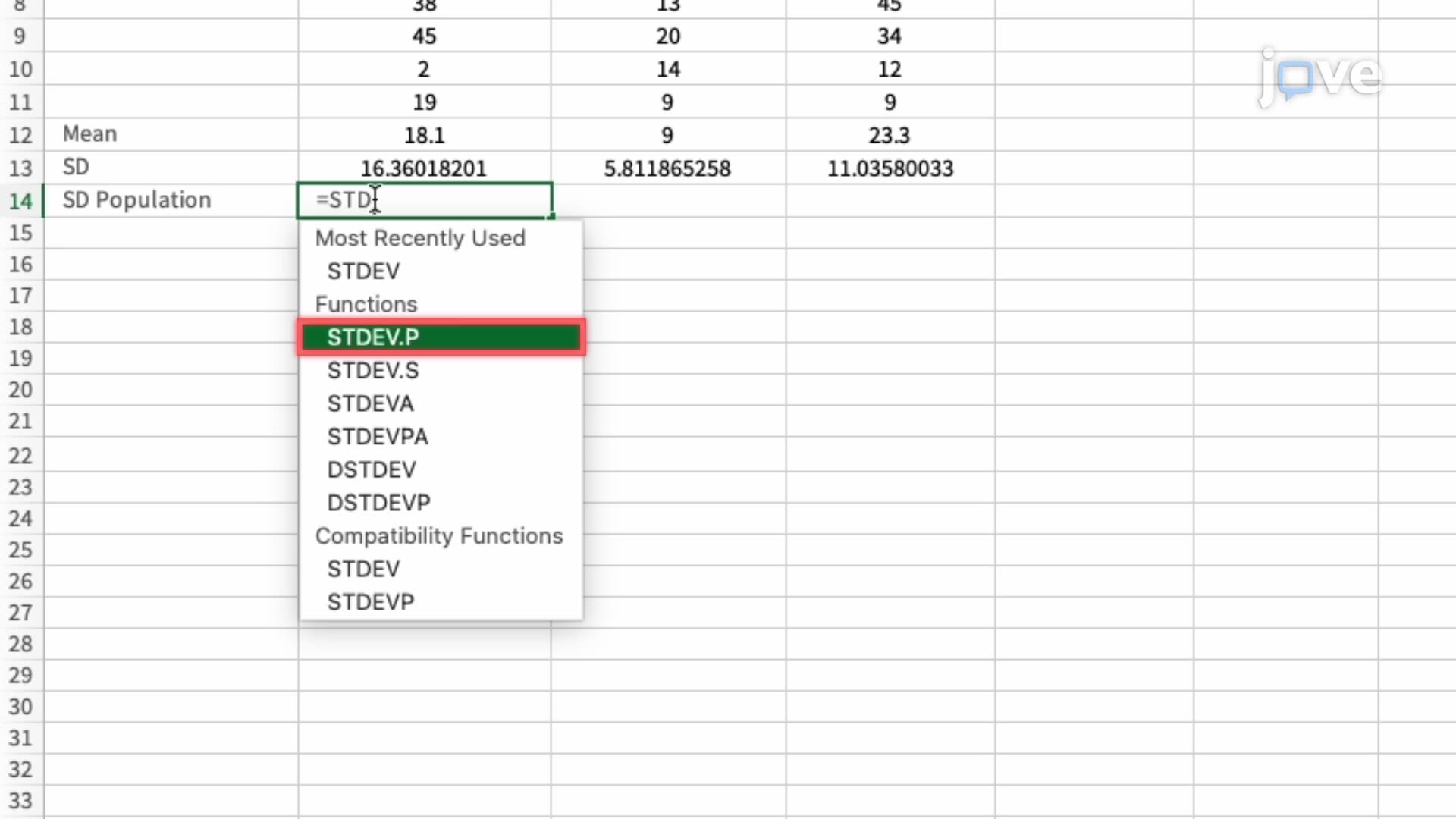
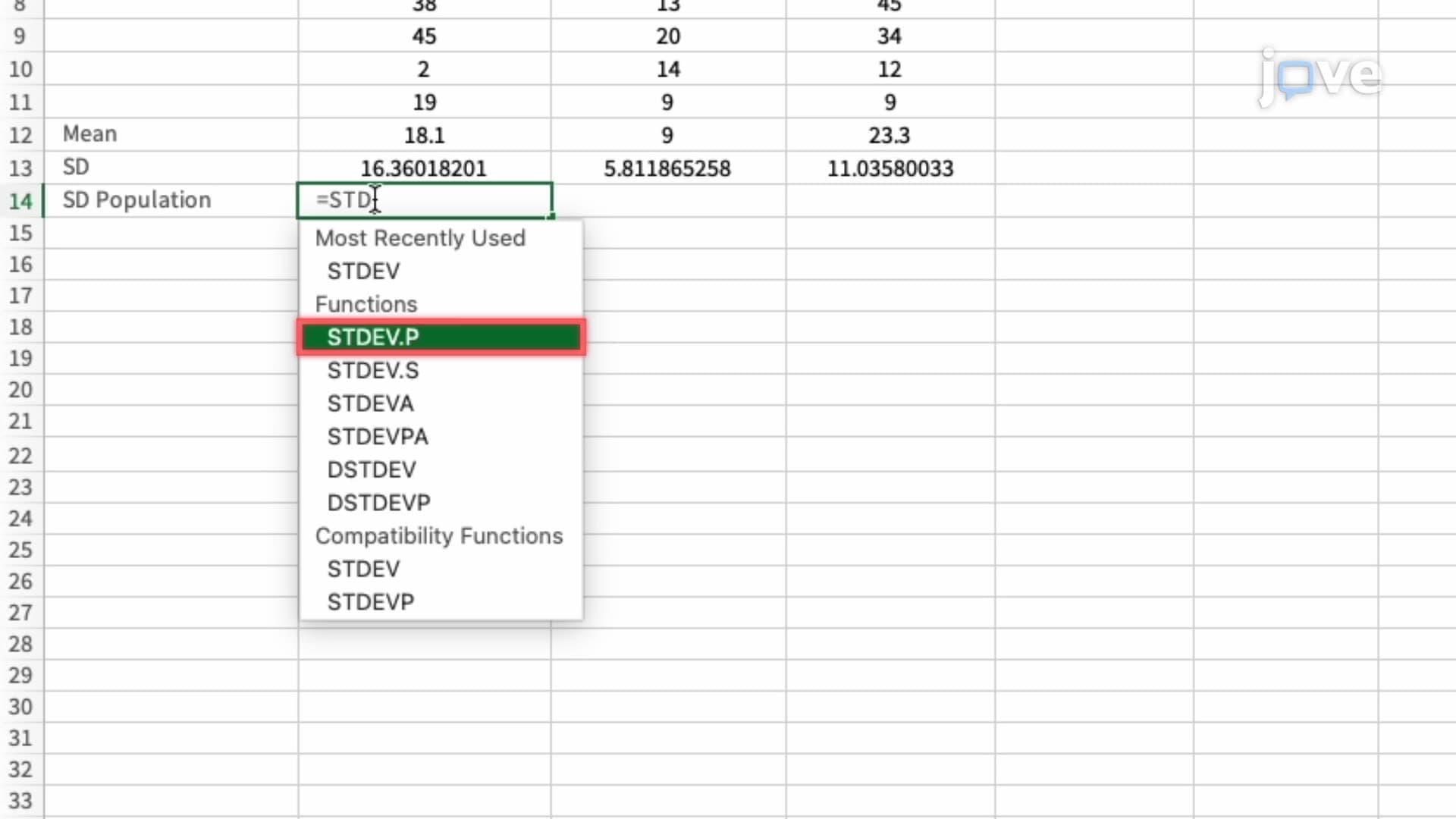
The AVERAGE function serves as your primary tool for calculating arithmetic means across dataset ranges. However, the distinction between STDEV.S and STDEV.P functions often confuses students preparing for AP Statistics or college-level research methods courses. STDEV.S calculates sample standard deviation, appropriate when analyzing data that represents a subset of a larger population—the most common scenario in educational and research contexts. Conversely, STDEV.P applies only when your dataset includes the entire population, a rare occurrence in practical applications.
Standard error calculation requires dividing the sample standard deviation by the square root of the sample size. This metric proves crucial for understanding data precision and forms the foundation for confidence intervals and hypothesis testing concepts encountered in advanced statistics courses. Students planning to take the MCAT or pursue graduate studies in psychology, biology, or economics will encounter these concepts repeatedly.
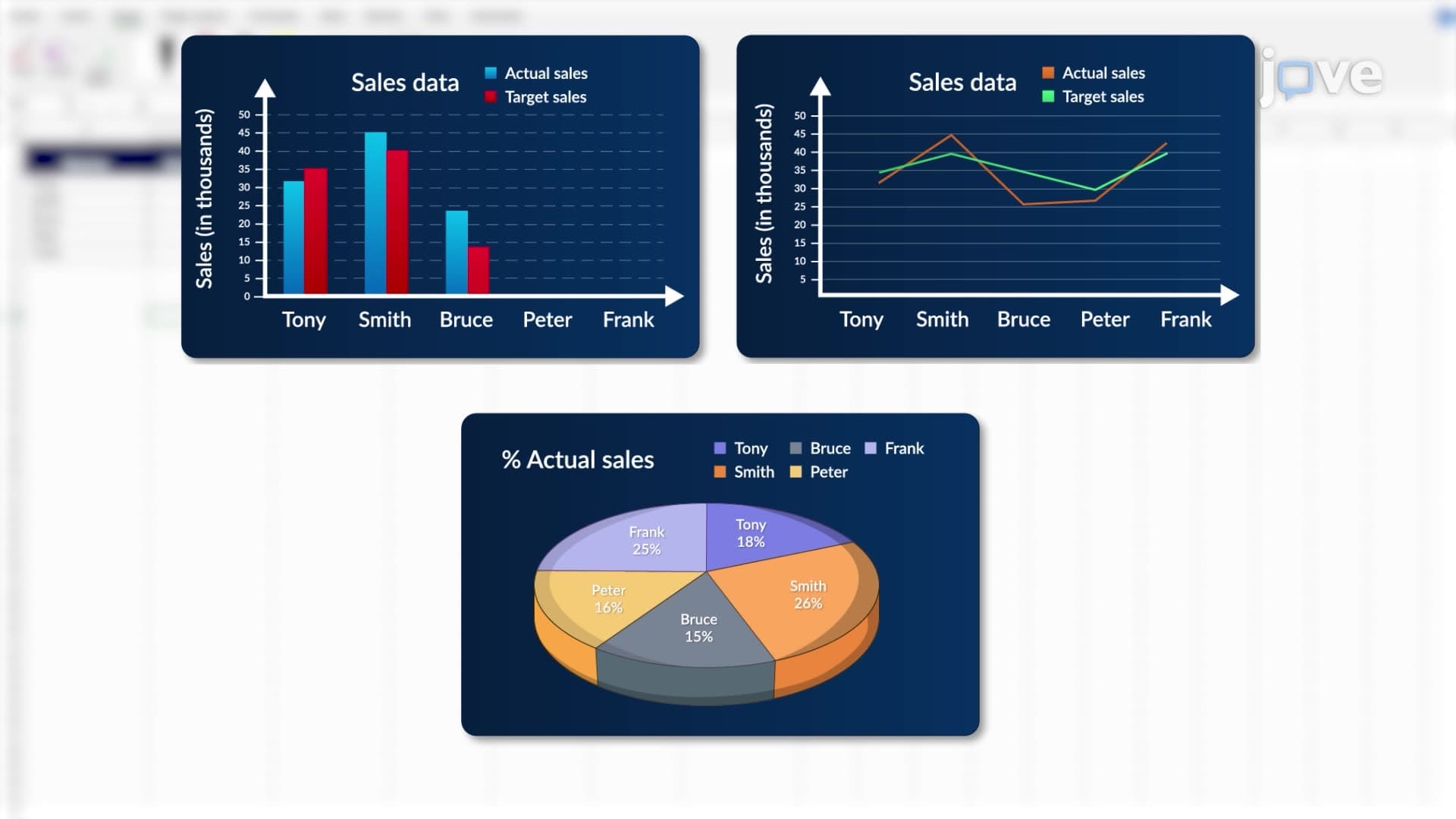
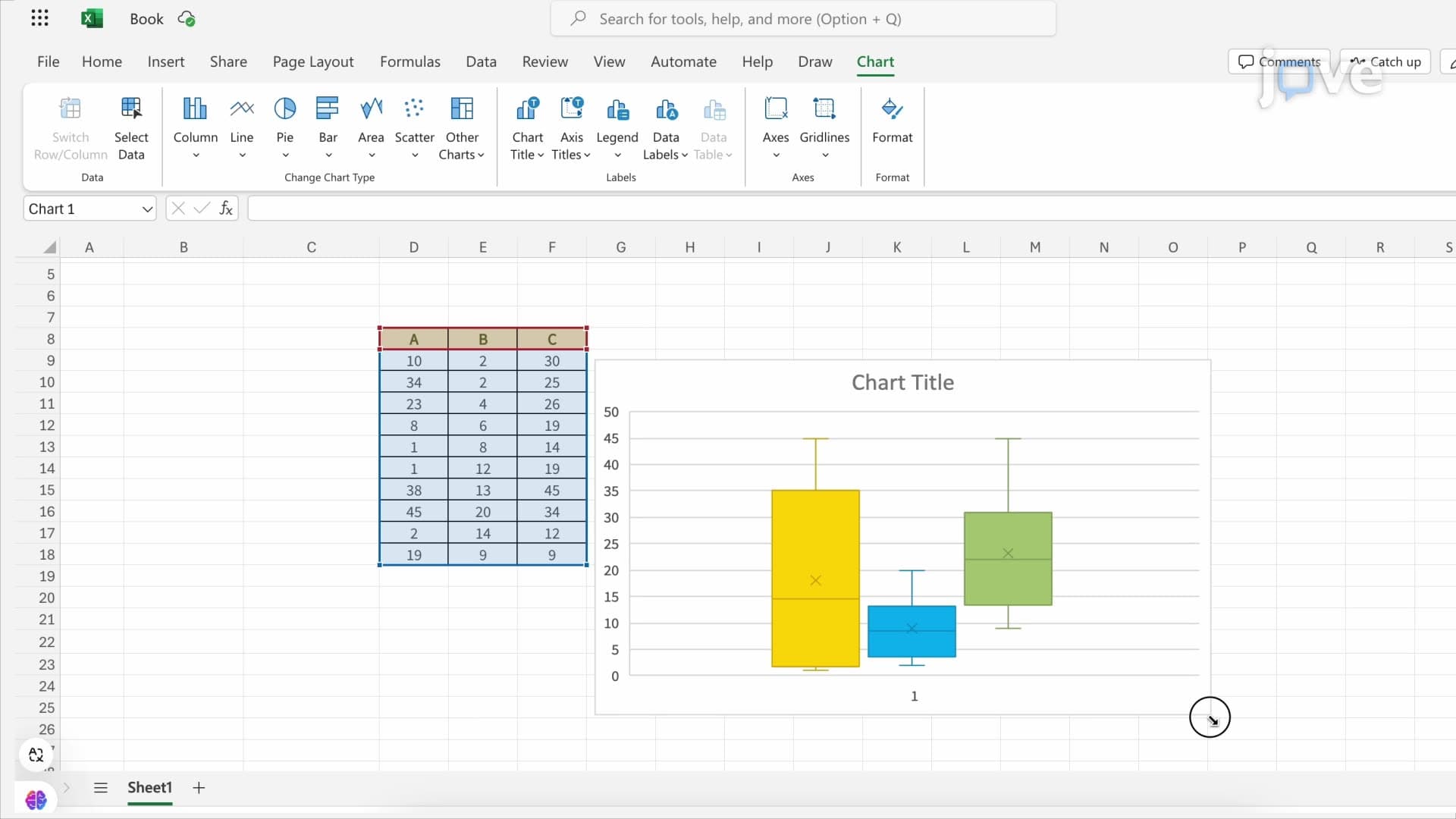
Excel's Insert Chart functionality transforms calculated statistics into professional visualizations suitable for academic presentations or internship reports. Bar charts typically provide the clearest representation of group means, while error bars communicate data variability effectively. The customization process involves selecting appropriate error bar types—standard deviation shows data spread, while standard error indicates mean precision.
Real-world applications span numerous disciplines. Pre-med students might visualize drug efficacy across treatment groups, business majors could display customer satisfaction scores across product lines, and environmental science students often chart pollution measurements across sampling sites. These skills directly transfer to laboratory courses, capstone projects, and entry-level research positions at institutions like the CDC or EPA.
Frequently Asked Questions
Microsoft Excel plotting mean sd is a data visualization technique that combines statistical calculations (means and standard deviations) with Excel's charting features to create error bar graphs. This skill is essential for AP courses, college lab reports, and research internships because it clearly communicates both average values and data variability in scientific and business contexts.
This Excel technique reinforces key statistical concepts tested on AP Statistics exams, including measures of central tendency, variability, and data interpretation. College statistics courses often require students to create these visualizations for lab assignments and projects. The hands-on Excel practice strengthens conceptual understanding while building practical data analysis skills valued by admissions committees and employers.
The MCAT includes statistics questions in its Psychological, Social, and Biological Foundations section, while AP Statistics extensively covers these topics. College placement exams for business and STEM programs frequently test statistical interpretation skills. Nursing students encounter these concepts on the NCLEX-RN, particularly in research and evidence-based practice questions.
Healthcare professionals at hospitals like Mayo Clinic use these techniques to analyze patient outcomes and clinical trial data. Market research analysts at companies like Nielsen create these charts to display consumer behavior trends. Environmental consultants working with the EPA visualize pollution monitoring data using identical Excel methods. Quality control engineers in manufacturing rely on these visualizations for process improvement initiatives.
No advanced mathematics background is required beyond basic algebra and introductory statistics concepts typically covered in high school. The Excel functions handle complex calculations automatically, allowing students to focus on data interpretation and chart creation. Most students successfully master these techniques after completing Algebra II and basic statistics coursework.
Practice with real datasets from your coursework or publicly available sources like the US Census Bureau. Create sample problems using different scenarios—lab experiments, survey data, or business metrics. Focus on understanding when to use STDEV.S versus STDEV.P, and practice interpreting error bars in different contexts. Form study groups to explain concepts to peers, which reinforces learning.
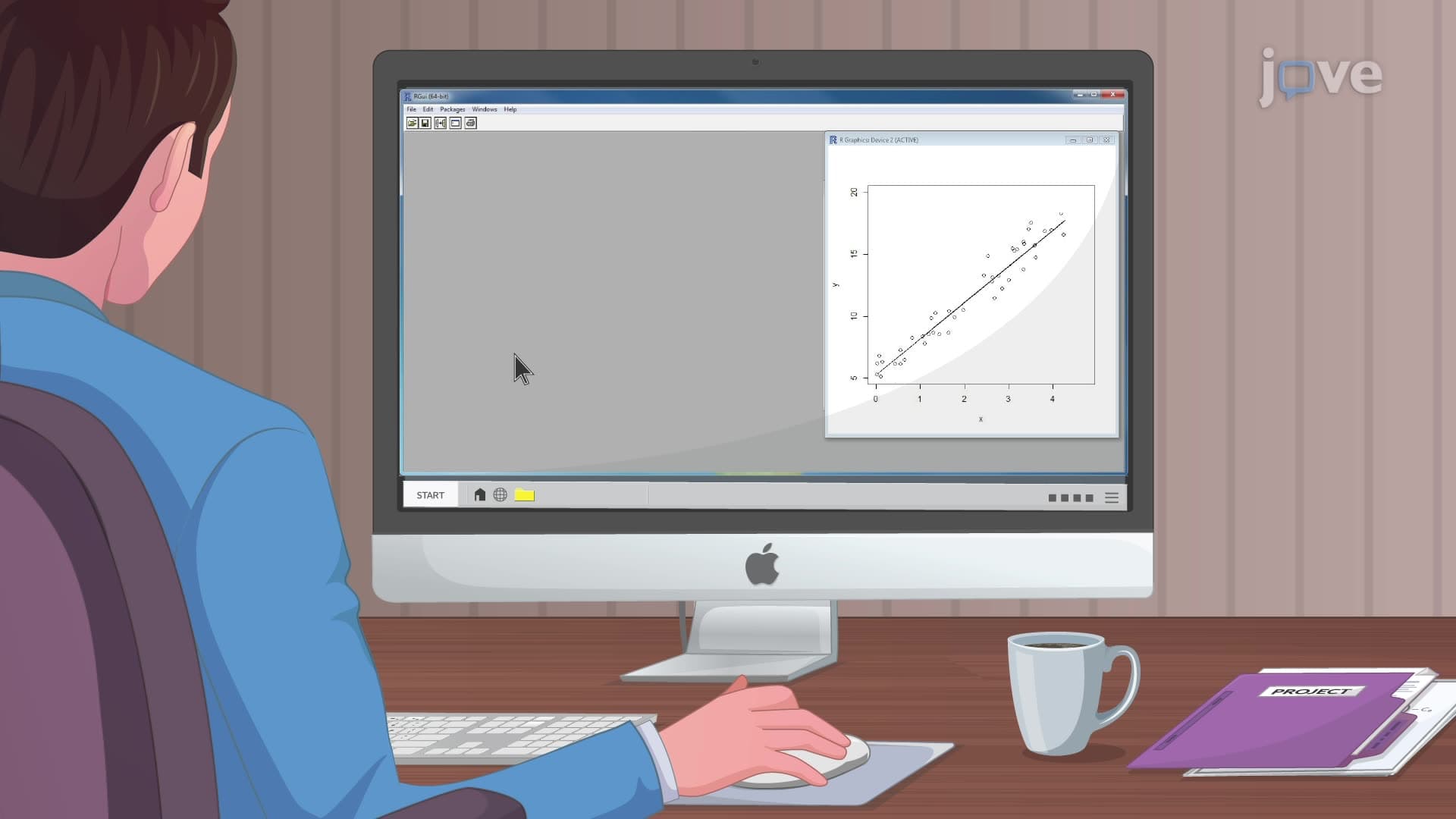
Progress to confidence intervals, hypothesis testing, and regression analysis in Excel. Explore pivot tables for complex data summarization and learn about correlation analysis. Consider advancing to specialized software like R or Python for more sophisticated statistical modeling, especially if pursuing graduate studies in data science, psychology, or biostatistics.
Related Micro-courses



Related Subjects
 Physics 33 micro-courses›
 Math Fundamentals 11 micro-courses›