- Statistics
- Statistical Softwares
Micro-courses:17

Statistical Softwares
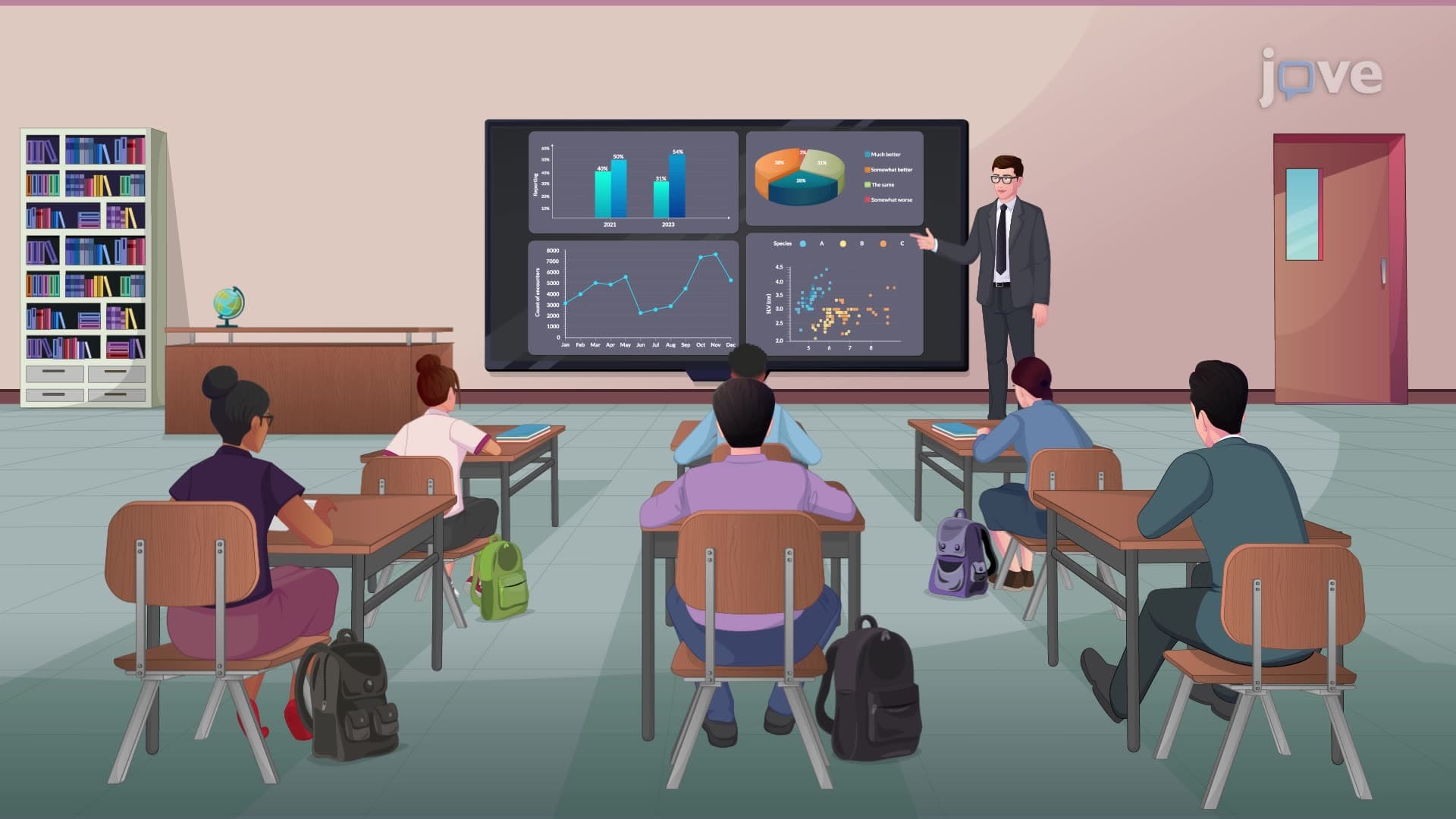
1. Statistical Software for Data Analysis and Clinical Trials
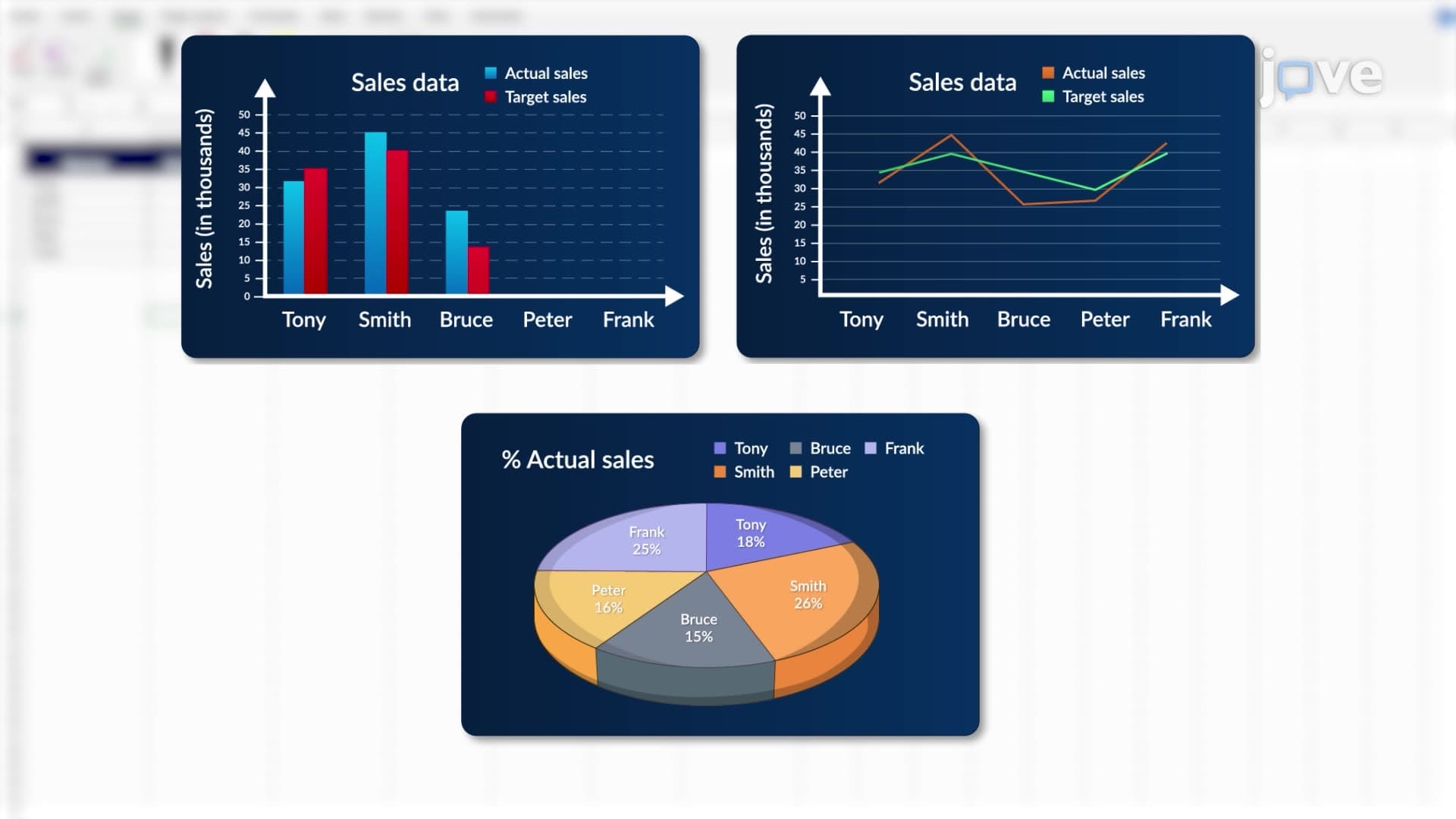
2. Overview of Microsoft Excel as a Data Analysis Tool
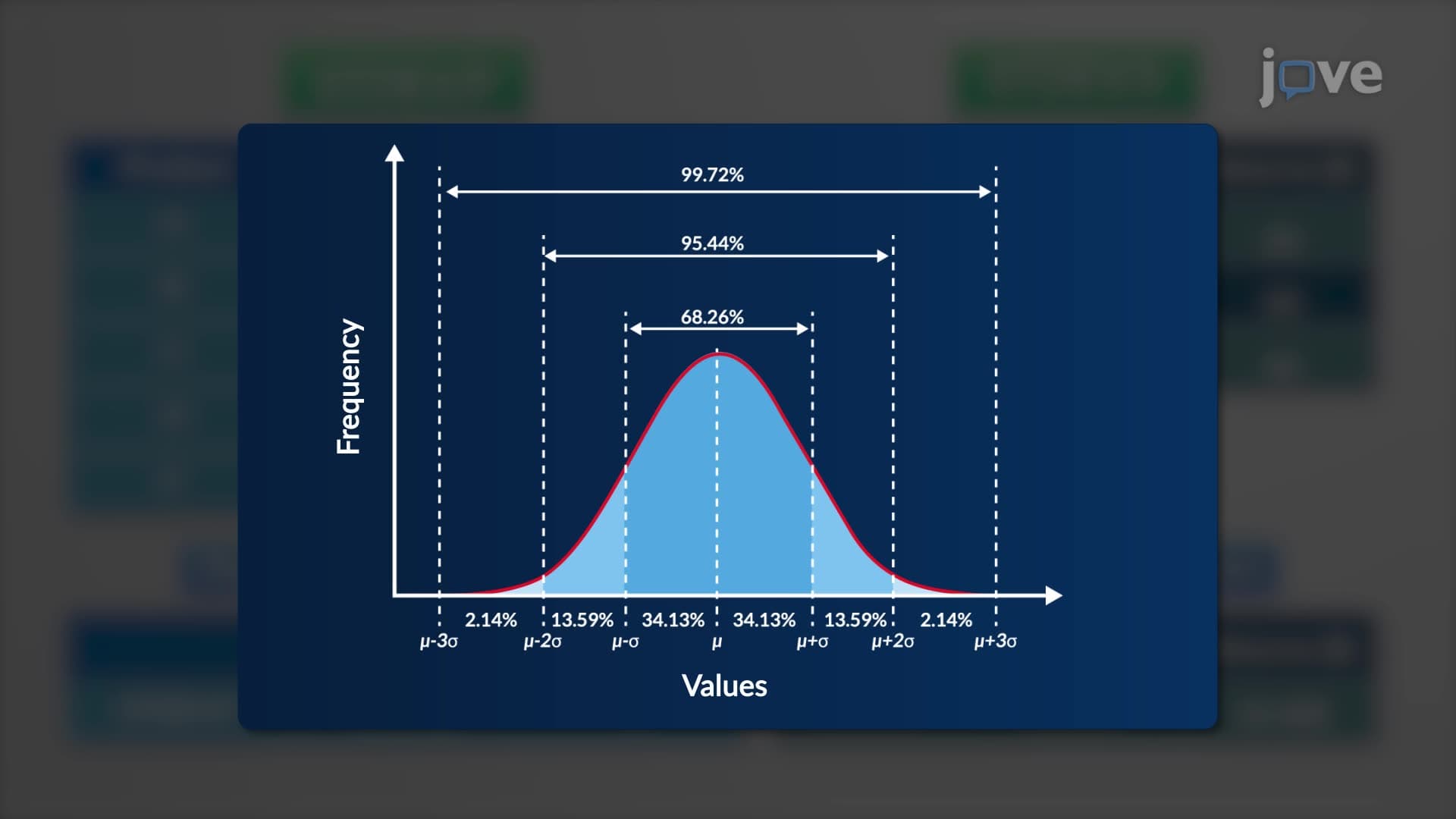
3. Performing a Simple Data Analysis using MS-Excel Function
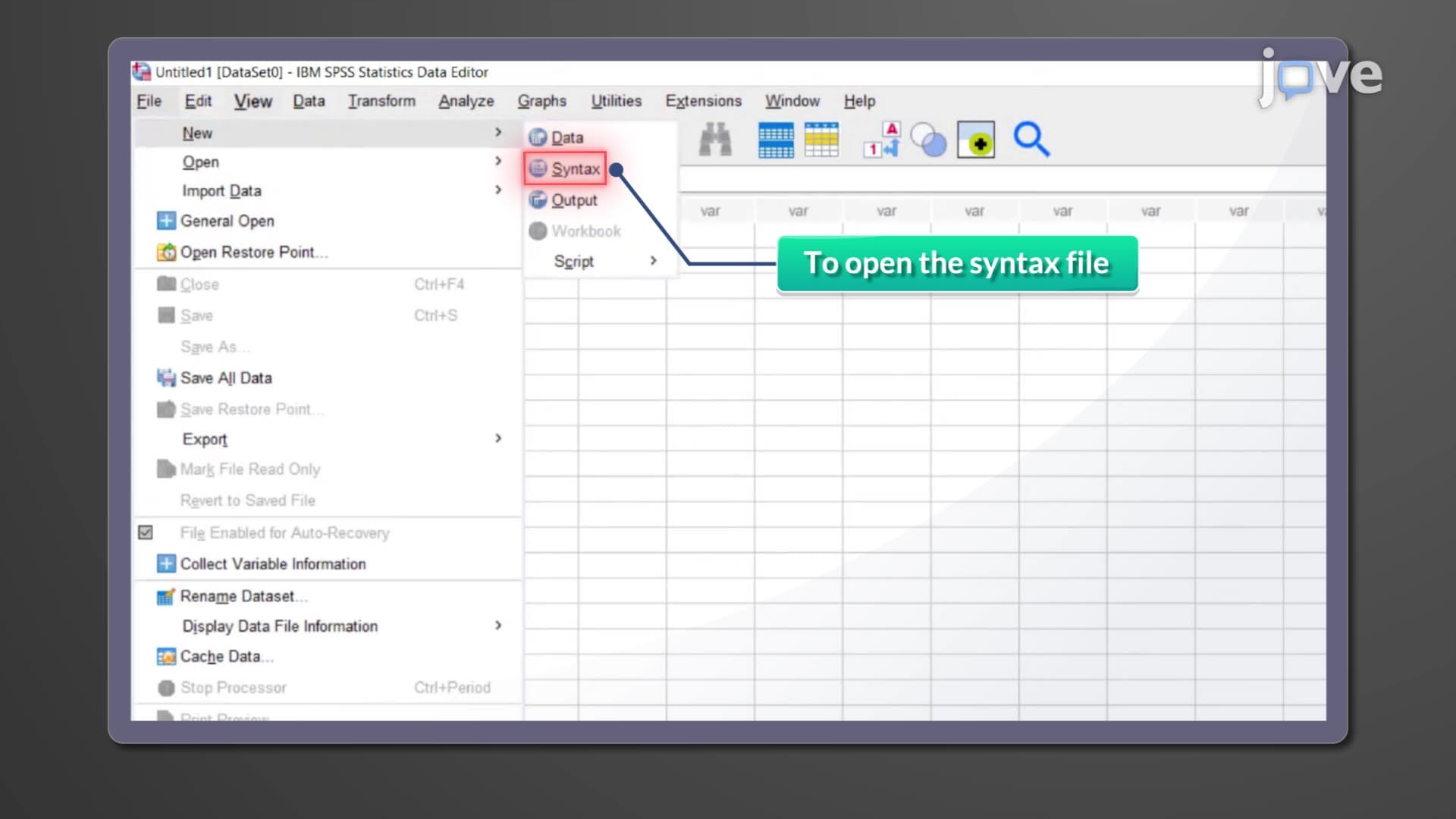
4. Statistical Package for the Social Sciences (SPSS)
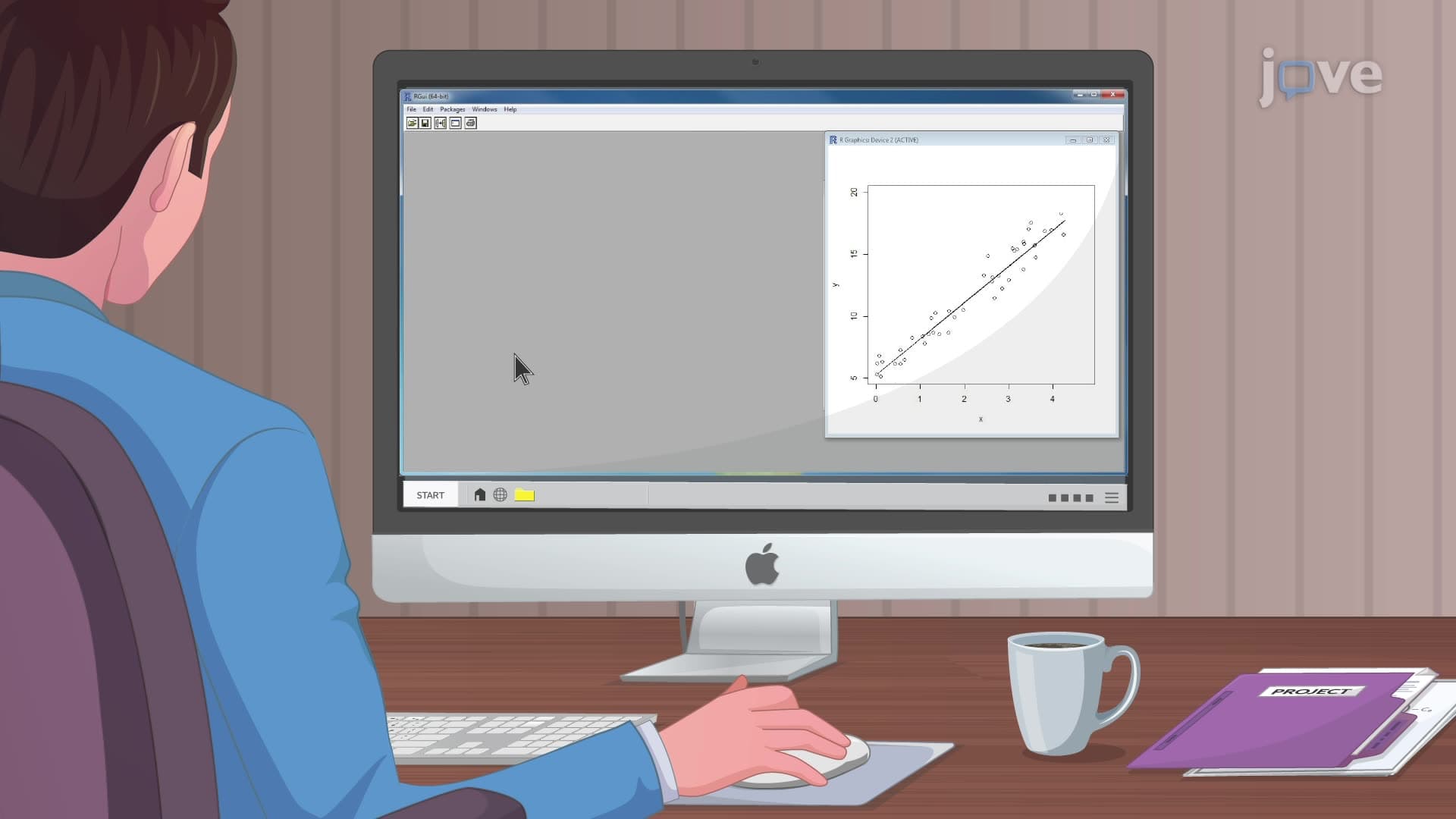
5. Introduction to R
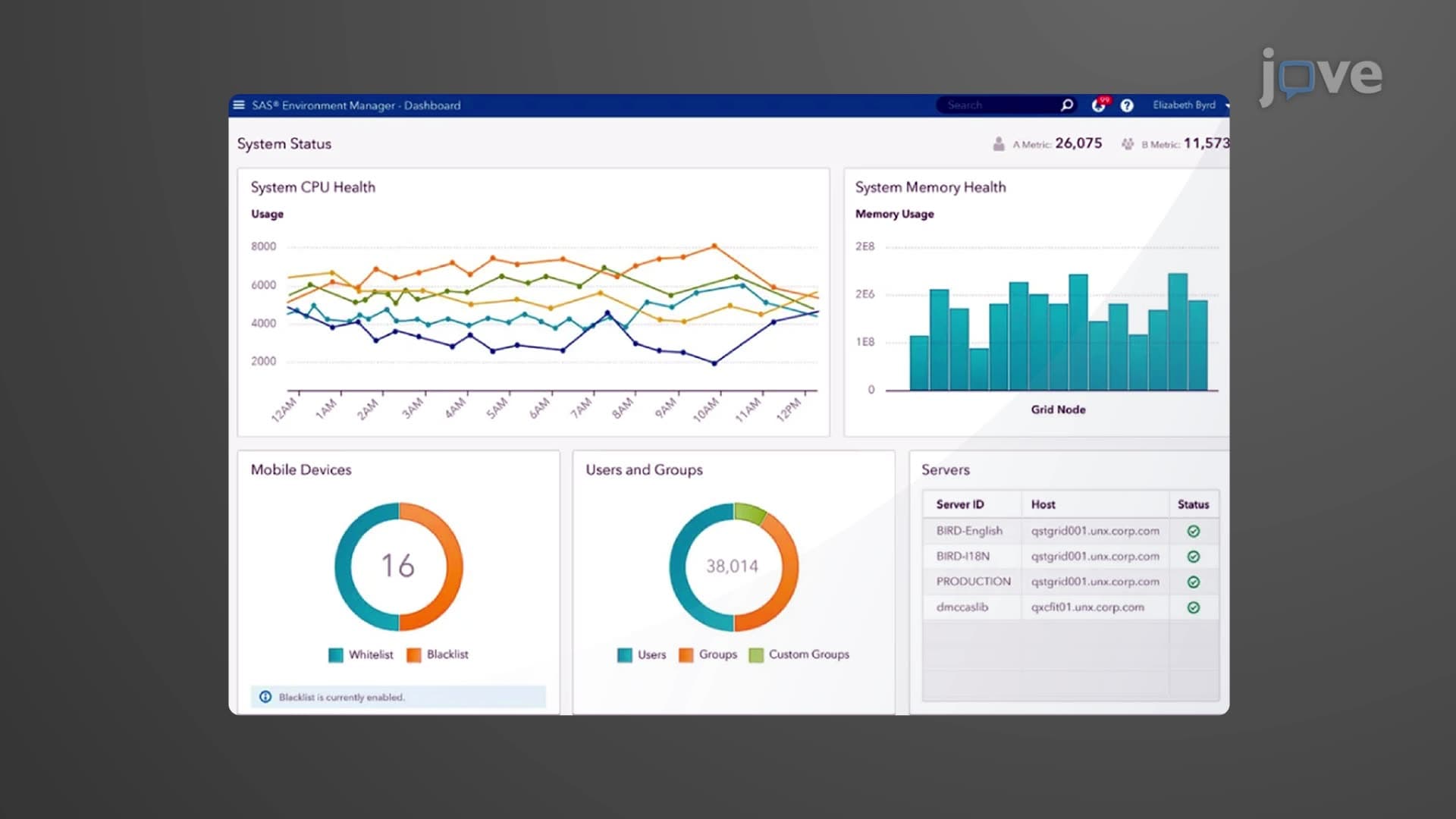
6. Statistical Analysis System (SAS)
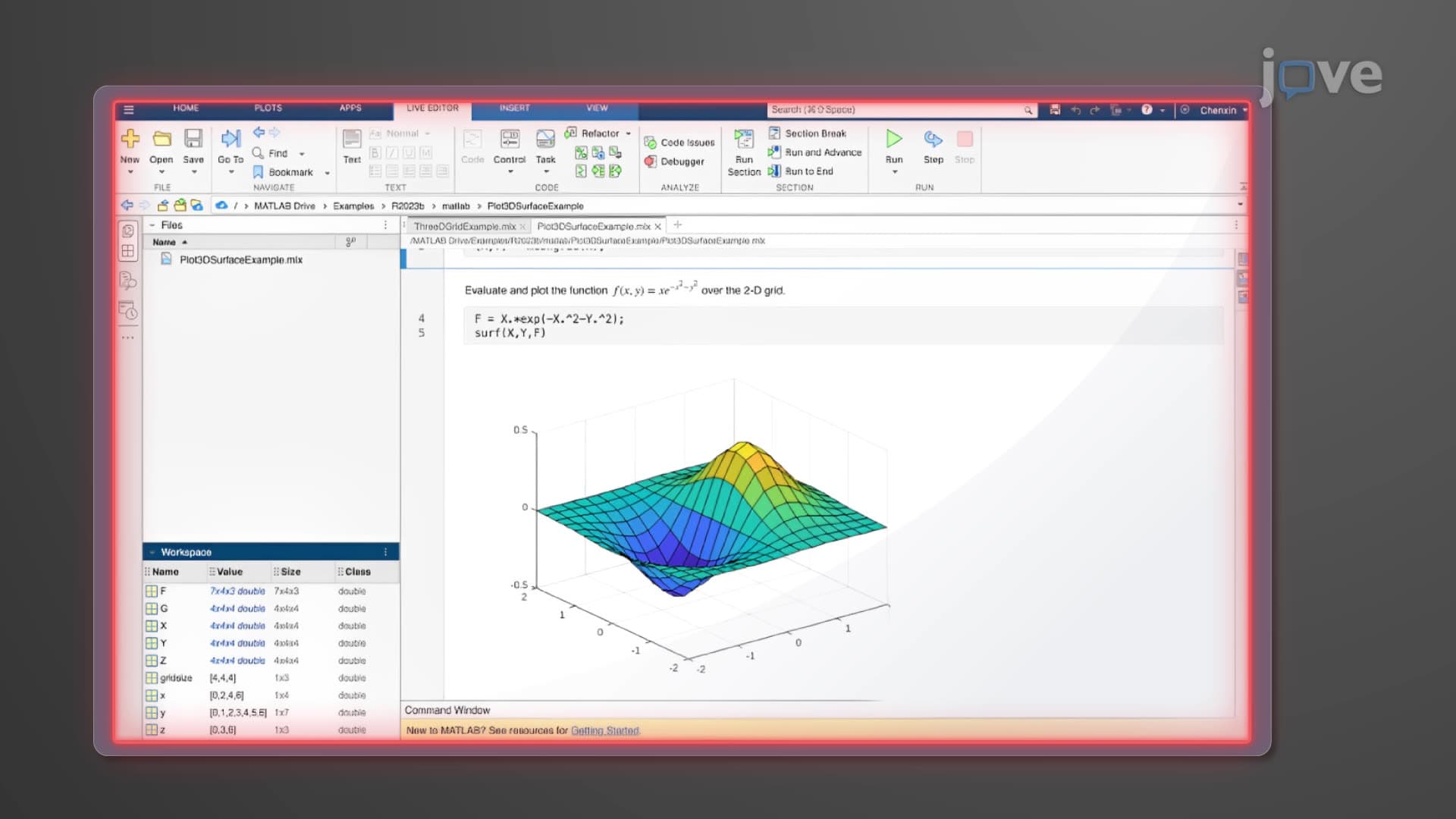
7. Introduction to MATLAB
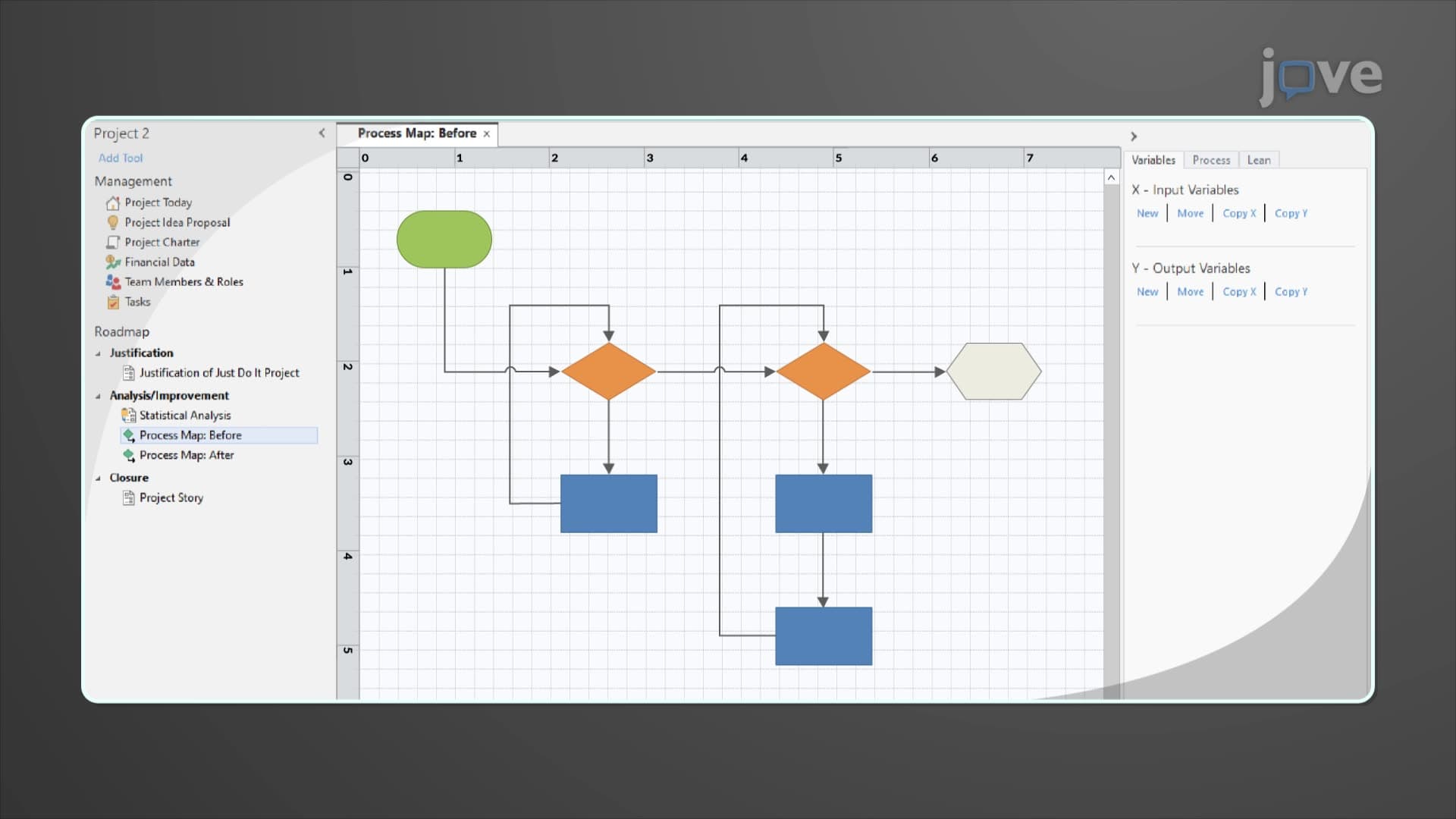
8. Overview of Minitab
9. Econometric Views (EViews)
10. Statgraphics
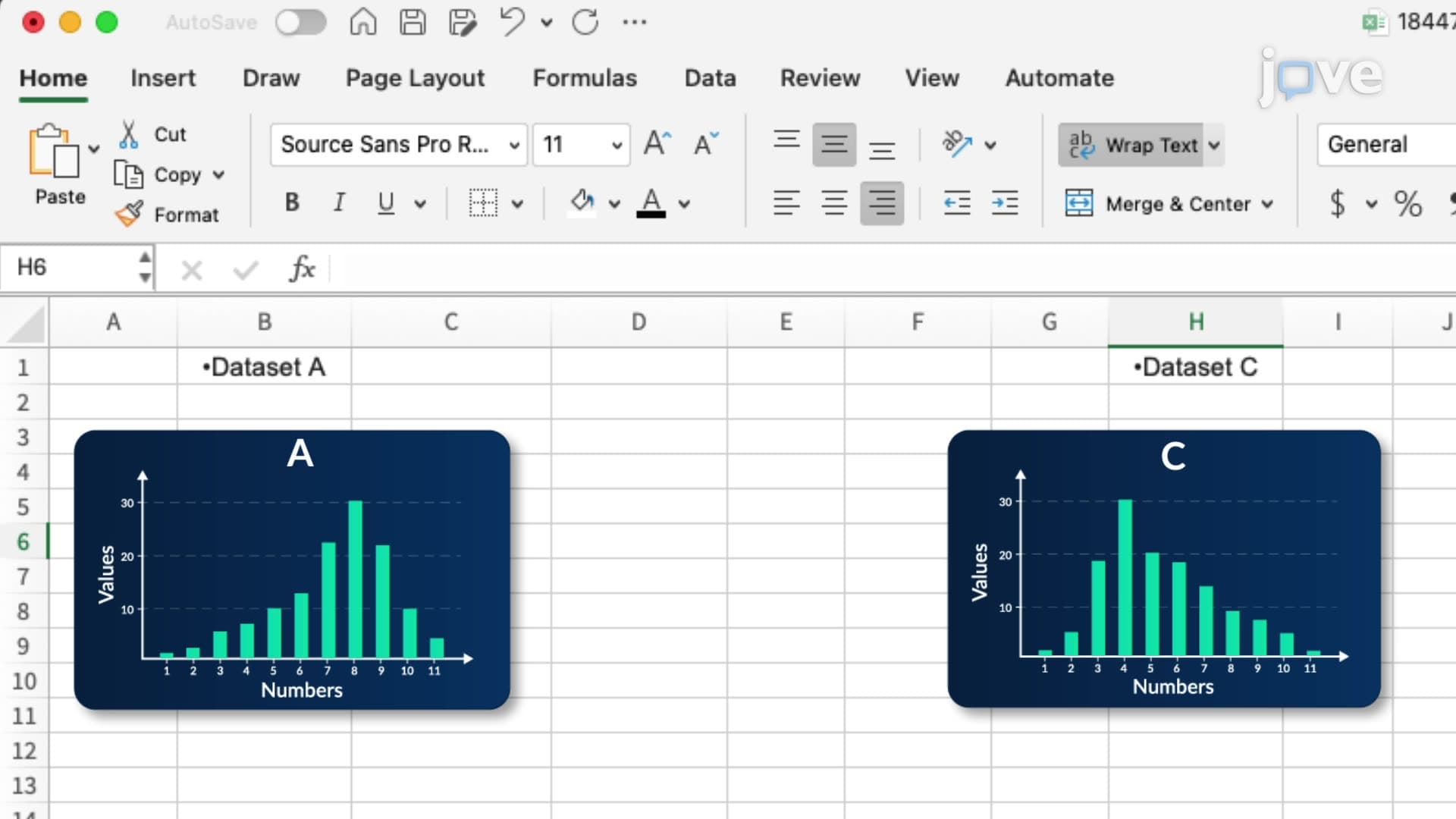
11. Microsoft Excel: Finding Central Tendency, Skew, and Kurtosis
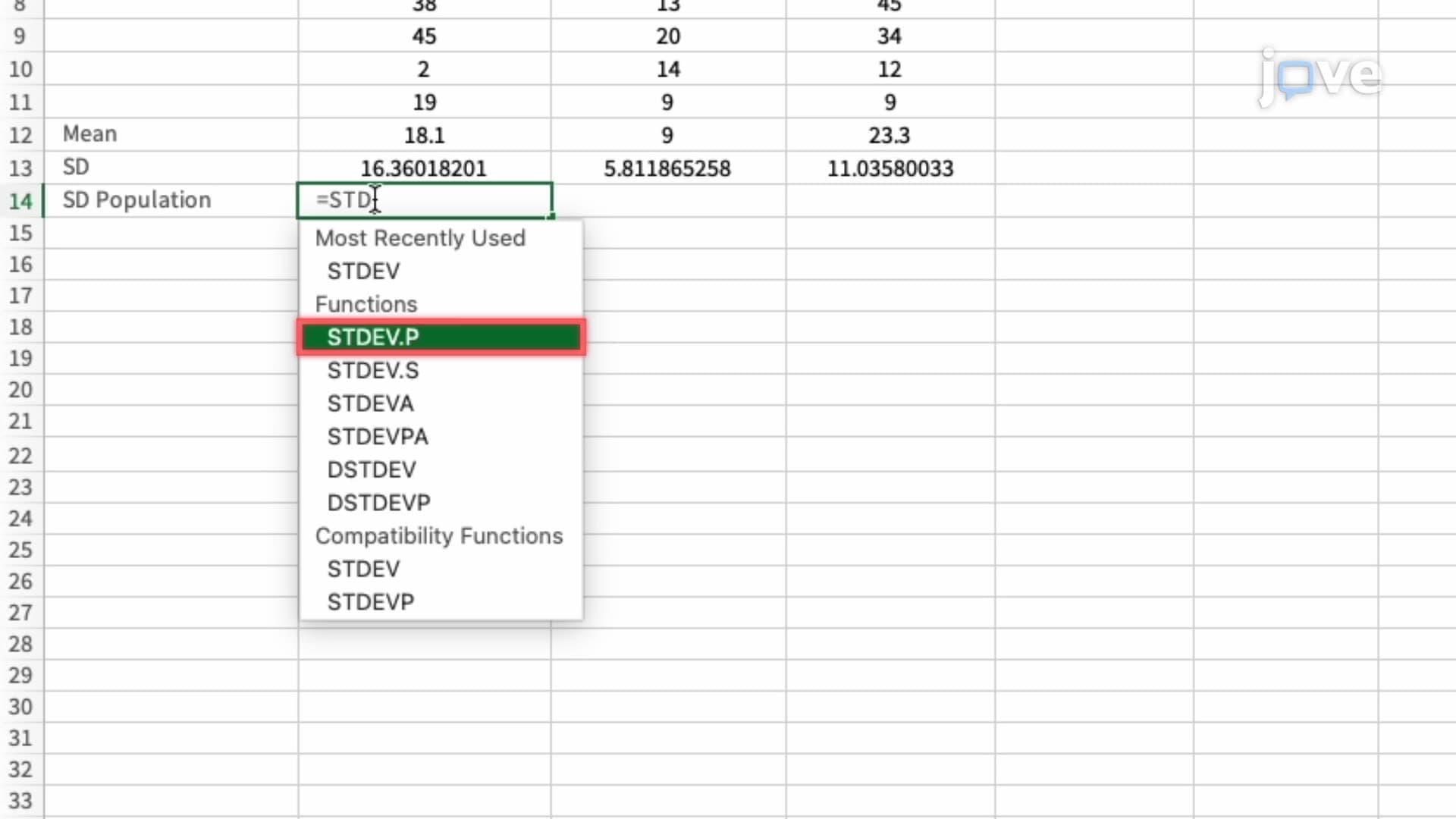
12. Microsoft Excel: Plotting Mean, SD, and SE
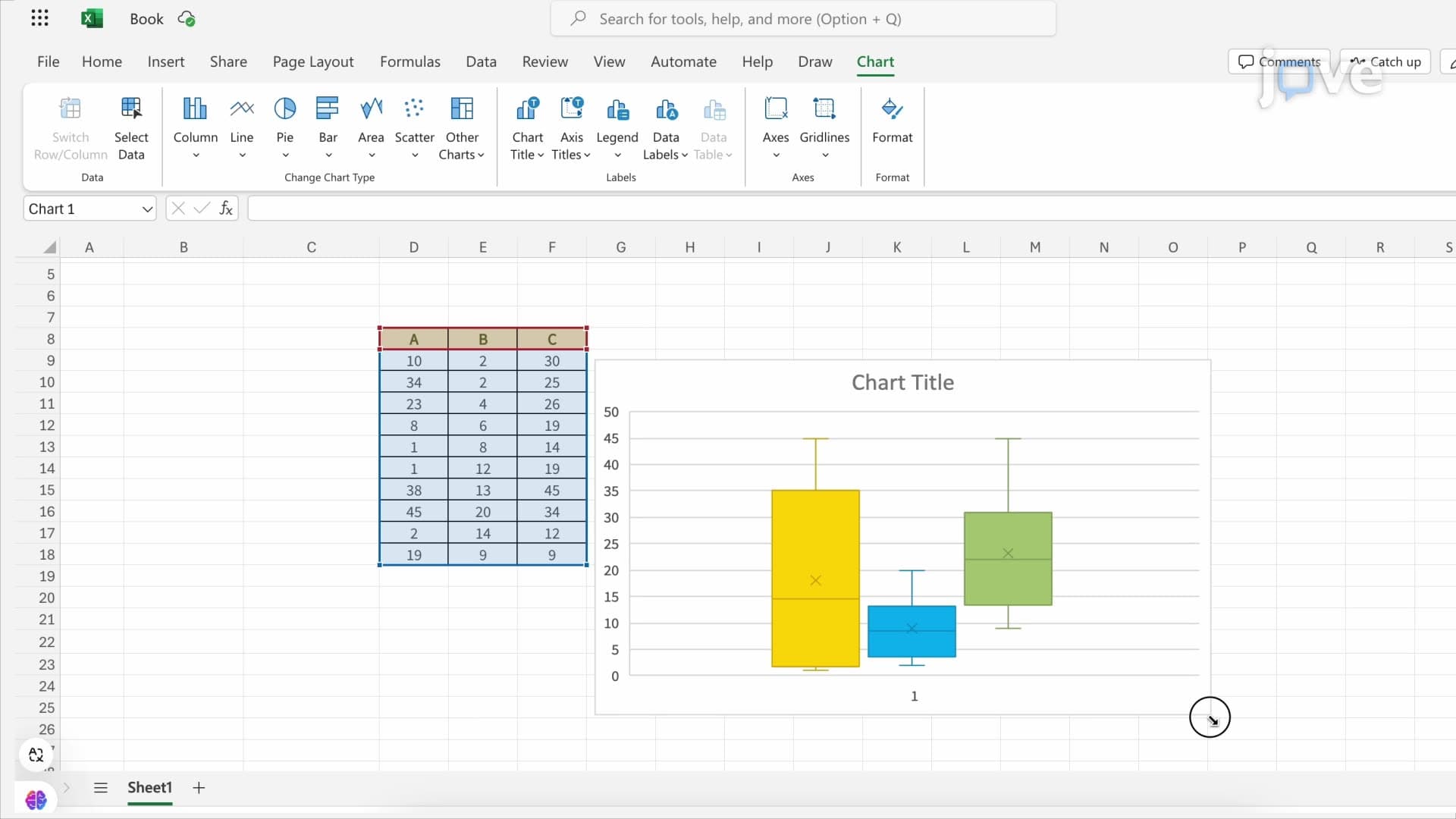
13. Microsoft Excel: Median, Quartile range, and Box Plots
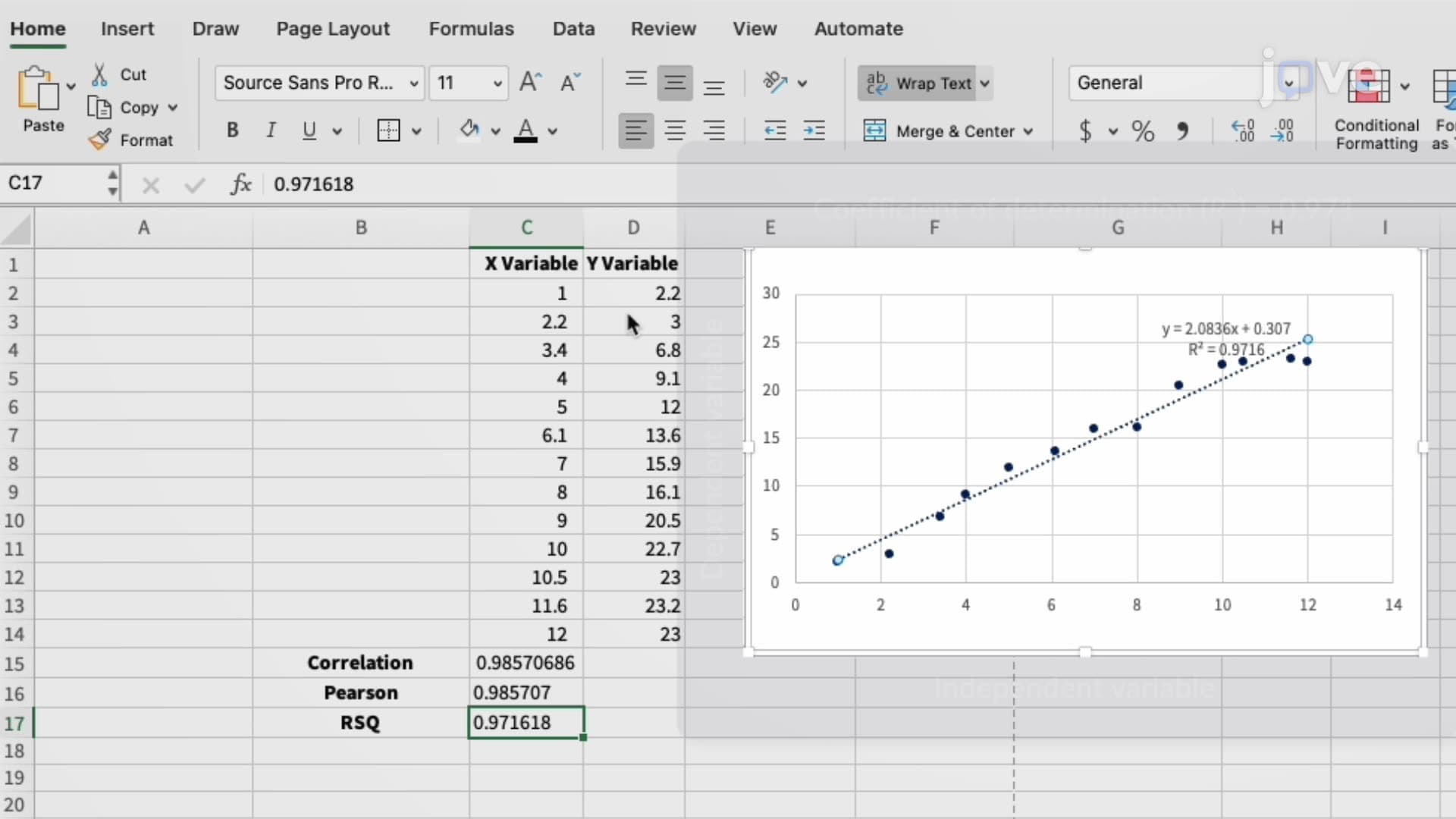
14. Microsoft Excel: Pearson's Correlation
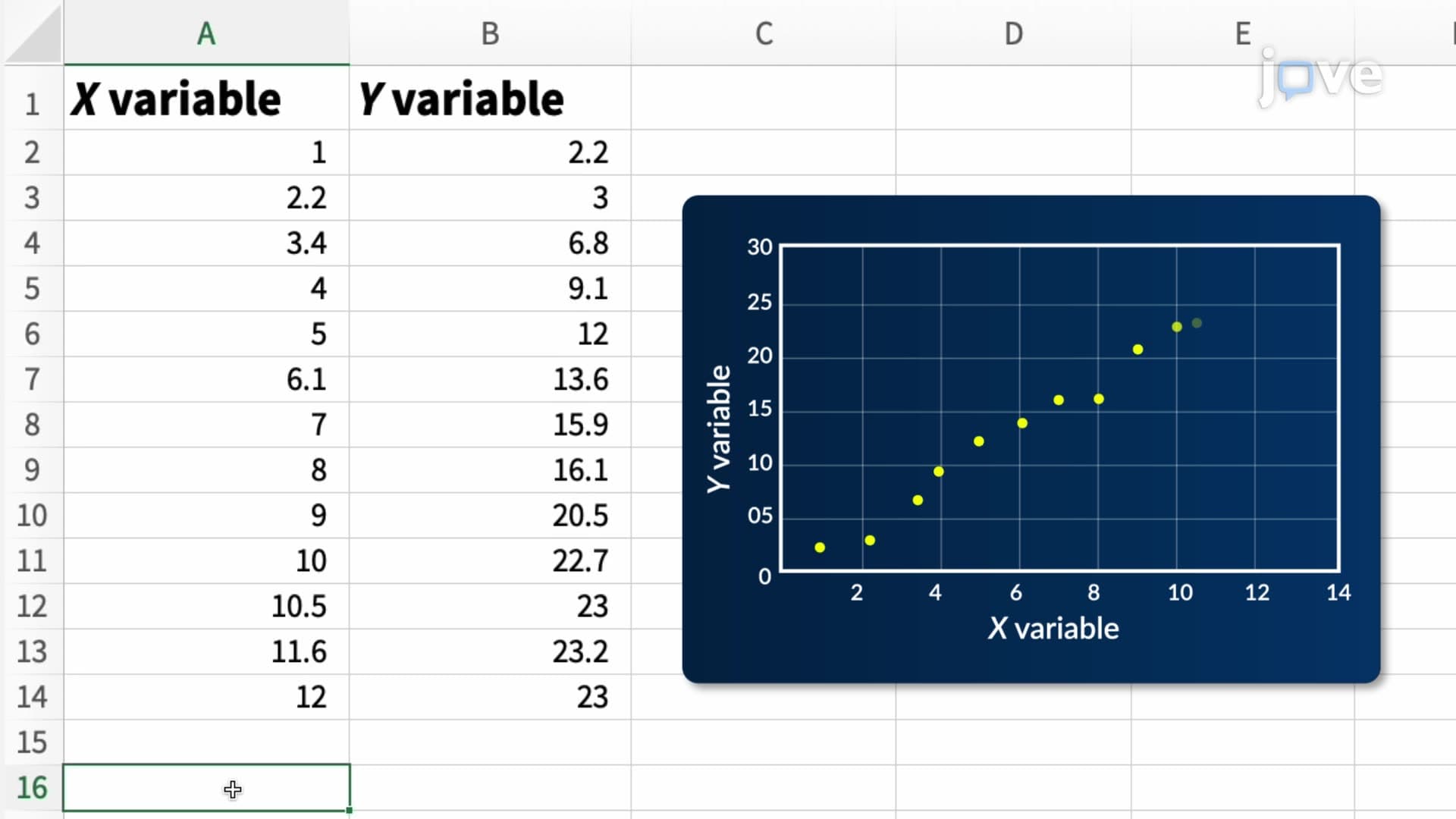
15. Microsoft Excel: Regression Analysis
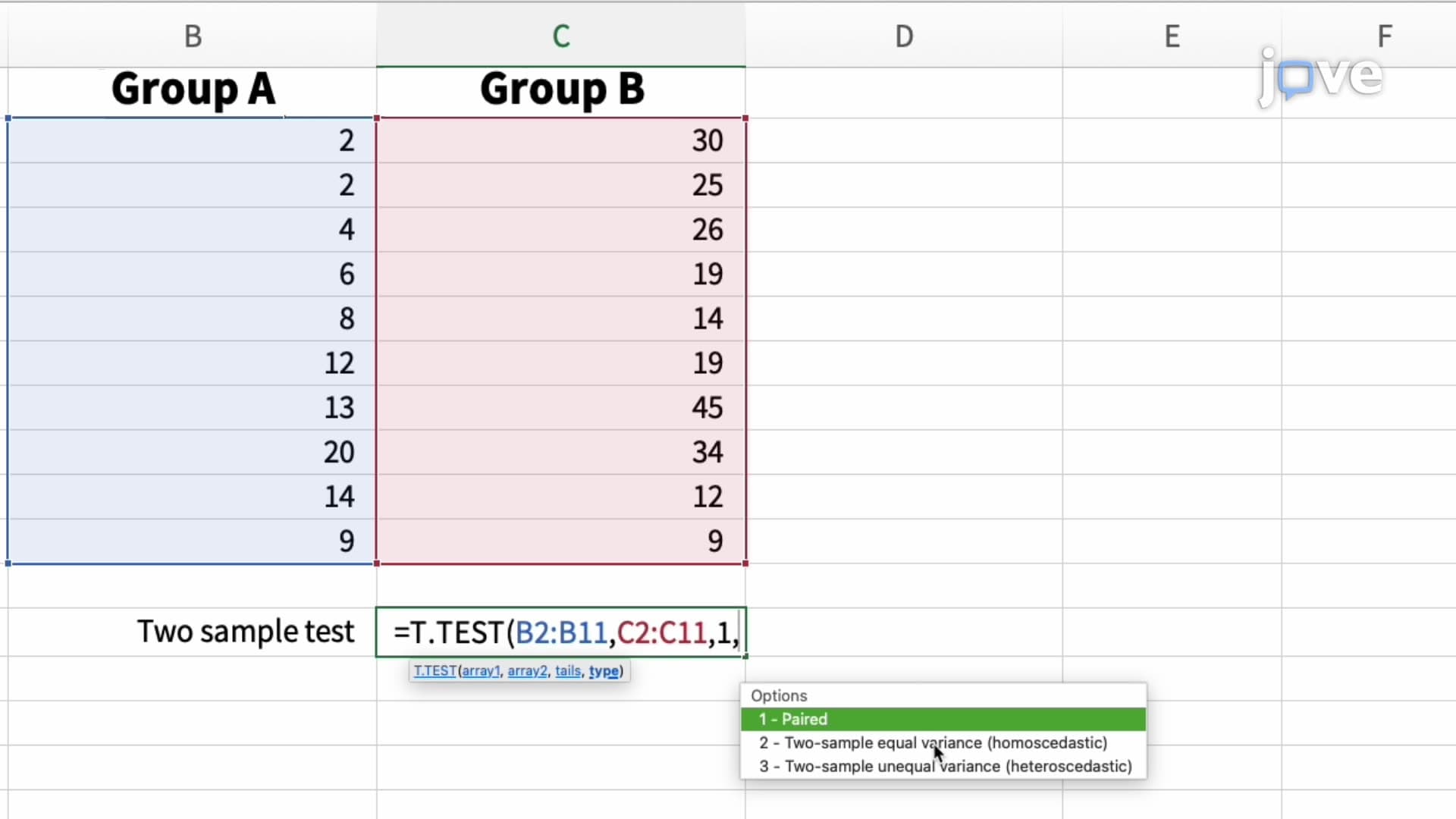
16. Microsoft Excel: Student's t-Test
Statistical softwares are essential tools for data analysis across research, healthcare, and business applications in the United States. This comprehensive course covers major platforms including Microsoft Excel, SPSS, SAS, R programming, MATLAB, Minitab, EViews, and Statgraphics. Students explore practical applications from clinical trials to financial modeling, mastering both basic functions and advanced analytical techniques with JoVE Coach guidance.
- Understand the fundamental features and applications of major statistical software platforms
- Learn to perform data analysis using Microsoft Excel functions for central tendency, correlation, and regression
- Explore SPSS capabilities for social science research and advanced statistical modeling
- Analyze data using R programming for biostatistics and econometric applications
- Apply SAS procedures for clinical trials and large dataset management
- Identify appropriate software tools for specific research and analytical needs
- Understand MATLAB applications in engineering and scientific computing
- Learn hypothesis testing techniques including Student's t-tests across multiple platforms
1. Microsoft Excel Statistical Functions and Data Analysis Excel serves as the gateway to statistical analysis, offering accessible tools for calculating measures of central tendency (mean, median, mode), variability (standard deviation, variance), and data visualization through charts and graphs. Students learn essential functions like AVERAGE, MEDIAN, STDEV.S, and CORREL for correlation analysis. The platform excels in regression analysis using LINEST and FORECAST.LINEAR functions, making it ideal for business forecasting and quality control applications. Excel's pivot tables and Analysis ToolPak extend capabilities for hypothesis testing, including t-tests and ANOVA procedures commonly used in undergraduate research projects and AP Statistics coursework.
2. SPSS for Social Science Research and Advanced Analytics The Statistical Package for the Social Sciences (SPSS) provides comprehensive tools for quantitative research in psychology, sociology, and education. Originally designed for social science applications, SPSS offers user-friendly interfaces for complex statistical procedures including multivariate analysis, factor analysis, and cluster analysis. Students explore descriptive statistics, chi-square tests, and ANOVA procedures essential for research methodology courses. The software's strength lies in survey data analysis and behavioral research, making it invaluable for undergraduate thesis projects and graduate school preparation in social sciences.
3. R Programming for Open-Source Statistical Computing R programming represents the gold standard for statistical analysis in academic and research settings. This open-source environment offers unparalleled flexibility for biostatistics, econometrics, and data science applications. Students learn R's unique syntax for data manipulation, statistical modeling, and advanced graphics creation. The software's extensive library of packages supports everything from basic descriptive statistics to machine learning algorithms. R's application in pharmaceutical research, epidemiological studies, and academic research makes it essential for students pursuing careers in healthcare, research, and data analytics.
4. SAS Procedures for Clinical Trials and Big Data Management Statistical Analysis System (SAS) dominates pharmaceutical research and clinical trial analysis across major US healthcare institutions and FDA submissions. Students explore SAS/STAT for advanced statistical procedures, SAS/GRAPH for publication-quality visualizations, and Base SAS for data management of large healthcare datasets. The software's robust handling of longitudinal data and survival analysis makes it crucial for biomedical research. SAS procedures support regulatory compliance in clinical research, making proficiency valuable for students interested in pharmaceutical careers, biostatistics, and healthcare analytics.
5. MATLAB Applications in Engineering and Scientific Computing MATLAB (Matrix Laboratory) combines programming capabilities with statistical analysis for engineering and scientific applications. Students learn MATLAB's matrix-based computations, Statistics and Machine Learning Toolbox functions, and advanced visualization techniques. The software excels in signal processing, image analysis, and mathematical modeling applications common in engineering curricula. MATLAB's integration with Simulink supports control systems analysis, making it essential for students in electrical, mechanical, and biomedical engineering programs at US universities.
Frequently Asked Questions
Excel offers STDEV.P for population standard deviation when analyzing complete datasets, and STDEV.S for sample standard deviation when working with data samples. Use STDEV.S for most research applications and homework assignments since you're typically working with sample data rather than entire populations.
Start with Microsoft Excel for fundamental concepts, then progress to R programming. Excel provides essential functions for AP Statistics requirements, while R programming skills are highly valued in college statistics courses and research applications. Many US universities use R in undergraduate statistics curricula.
SPSS excels in social science research with user-friendly interfaces for survey analysis and behavioral studies, making it ideal for psychology and sociology projects. SAS dominates clinical research and pharmaceutical applications, requiring more technical expertise but offering superior big data handling capabilities essential for biomedical research.
Focus on understanding statistical concepts through Excel and basic R programming. The MCAT emphasizes interpreting statistical results, understanding experimental design, and analyzing data presentations rather than software-specific skills. Practice interpreting correlation coefficients, regression analysis, and hypothesis testing results.
Yes, most fundamental statistical procedures (t-tests, ANOVA, regression, correlation) are available across Excel, SPSS, SAS, and R, though implementation varies. Each platform has strengths: Excel for basic analysis, SPSS for social sciences, SAS for clinical trials, and R for advanced modeling and custom analyses.
Healthcare professionals increasingly use statistical software for evidence-based practice, quality improvement projects, and research interpretation. Nurses use data analysis for patient outcome studies, while physicians interpret clinical trial results and epidemiological data. Proficiency in statistical software demonstrates quantitative reasoning skills valued in NCLEX and USMLE examinations.
Proprietary software like SPSS and SAS offer user-friendly interfaces with point-and-click functionality, making them accessible for beginners. Open-source options like R require programming knowledge but provide unlimited customization and cost-effectiveness. Start with Excel or SPSS for foundational concepts, then advance to R for sophisticated analyses and research applications.
Focus on data cleaning capabilities, descriptive statistics, hypothesis testing (t-tests, chi-square, ANOVA), correlation and regression analysis, and data visualization tools. Most undergraduate projects require these fundamental features available in Excel, SPSS, or R. Advanced techniques like multivariate analysis depend on your specific research field and methodology requirements.
This microcourse includes 16 concept videos that walk you through the building blocks of Statistics. Each video is short, about 1 minute, so you can cover a full topic during a coffee break or between classes. The full sequence starts with Statistical Software for Data Analysis and Clinical Trials and ends with Microsoft Excel: Student's t-Test.
The playlist moves from big-picture ideas to the precise vocabulary used in Statistics. Early videos introduce Statistical Software for Data Analysis and Clinical Trials, Overview of Microsoft Excel as a Data Analysis Tool, and Performing a Simple Data Analysis using MS-Excel Function. The middle of the series focuses on Introduction to R, Statistical Analysis System (SAS), and Introduction to MATLAB. The final stretch covers Overview of Minitab, Econometric Views (EViews), Statgraphics, Microsoft Excel: Finding Central Tendency, Skew, and Kurtosis, Microsoft Excel: Plotting Mean, SD, and SE, Microsoft Excel: Median, Quartile range, and Box Plots, and Microsoft Excel: Student's t-Test.
The natural next step is Control Charts. Once you finish those, the full Statistics curriculum of 17 microcourses on JoVE Coach opens up, taking you from foundational concepts to advanced systems.
Related Subjects
 Physics 33 micro-courses›
 Math Fundamentals 11 micro-courses›