- Civil Engineering
- Geographic Information Systems (gis)
Micro-courses:30

Geographic Information Systems (GIS)
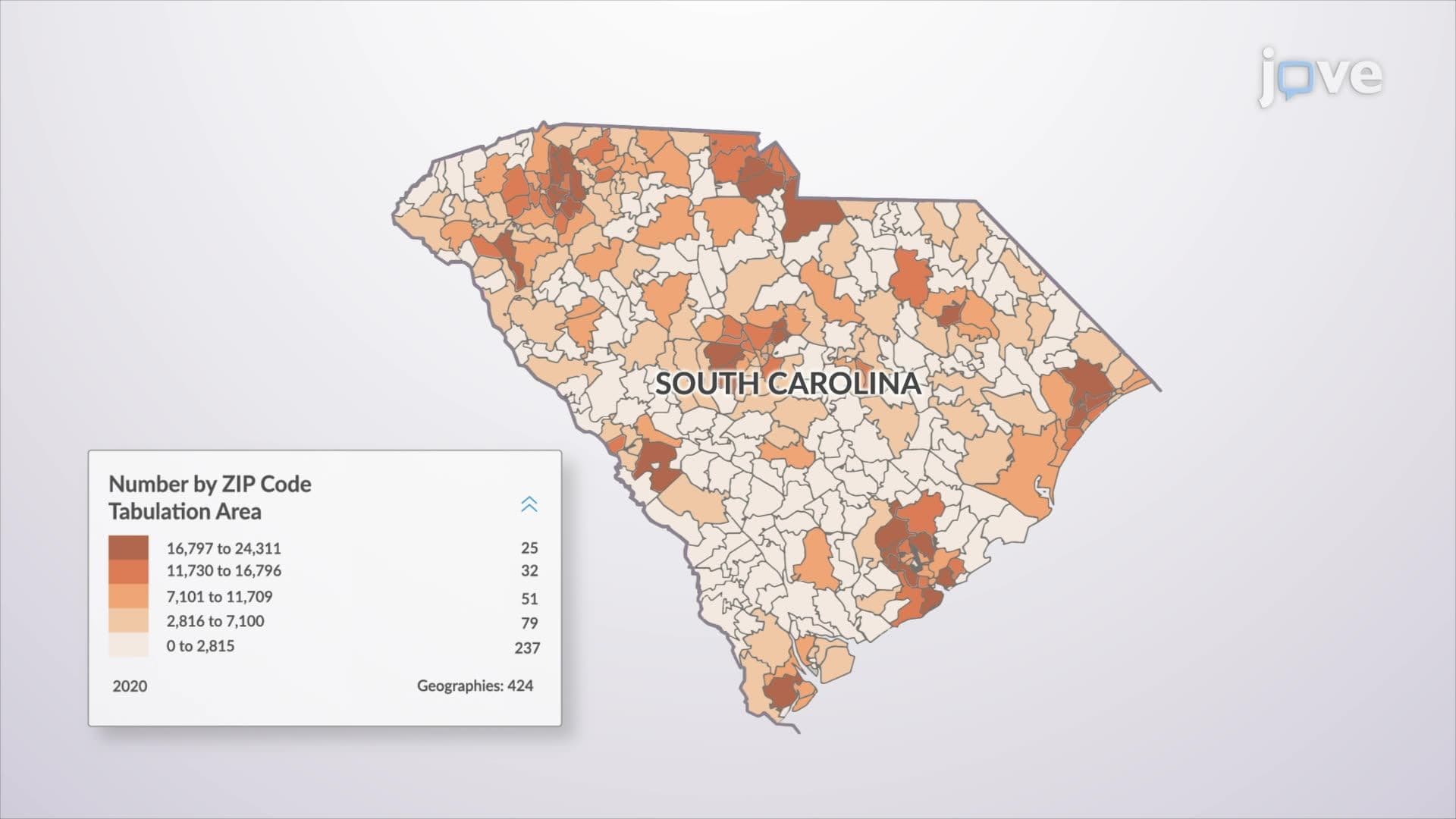
1. Introduction to GIS
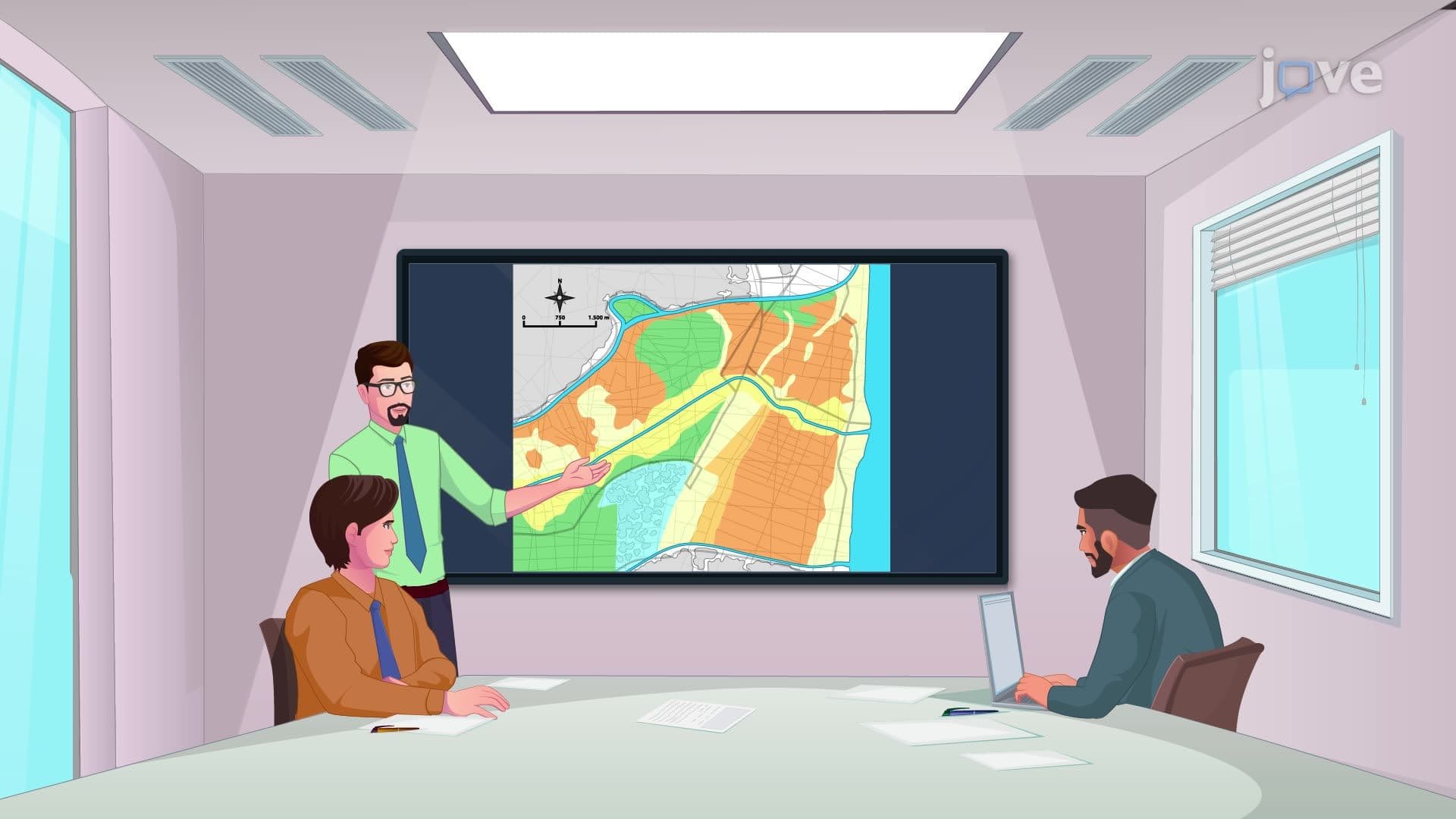
2. Thematic Layering in GIS

3. Levels of Use of a GIS
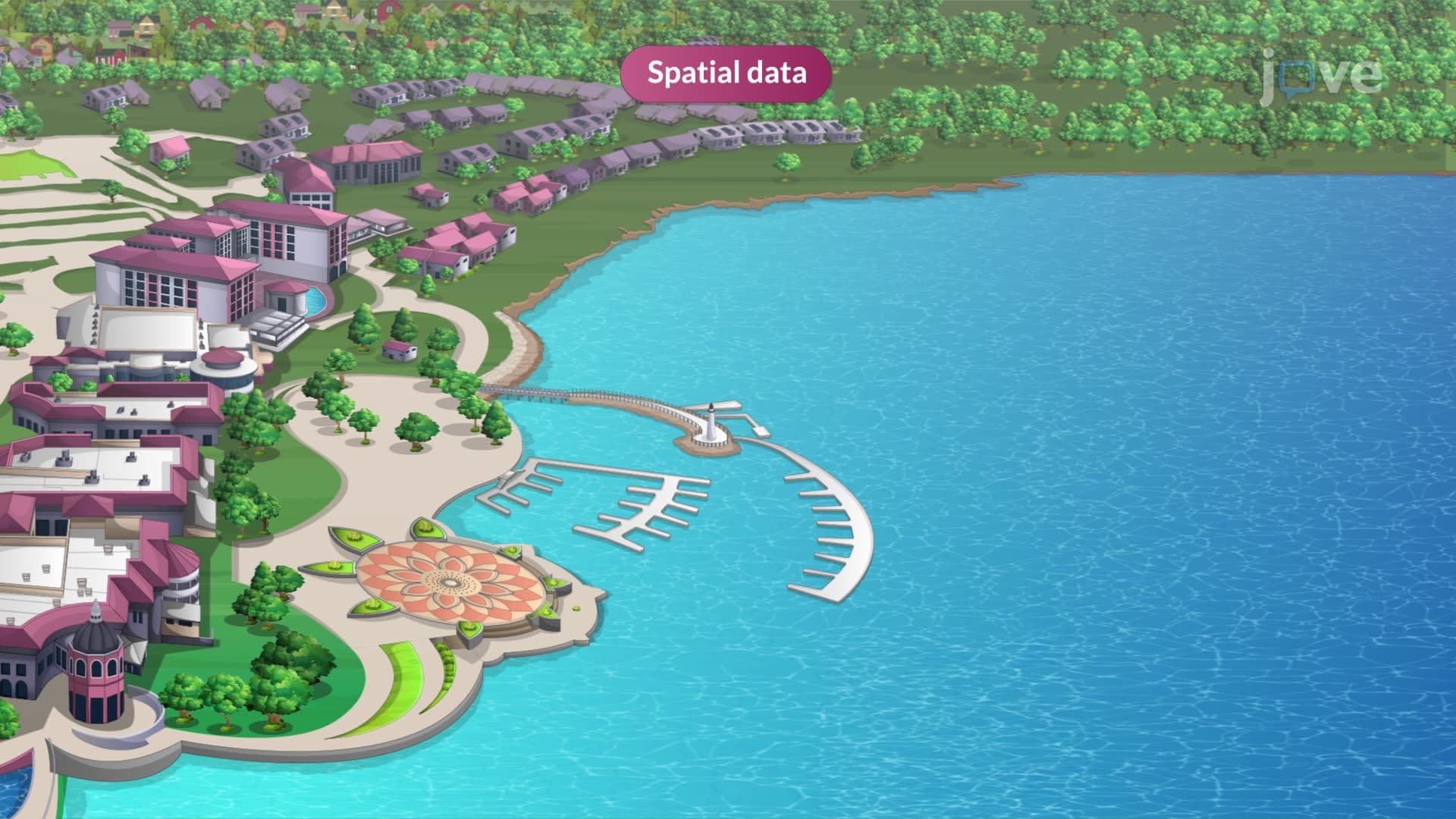
4. Selected Data About Geographic Locations
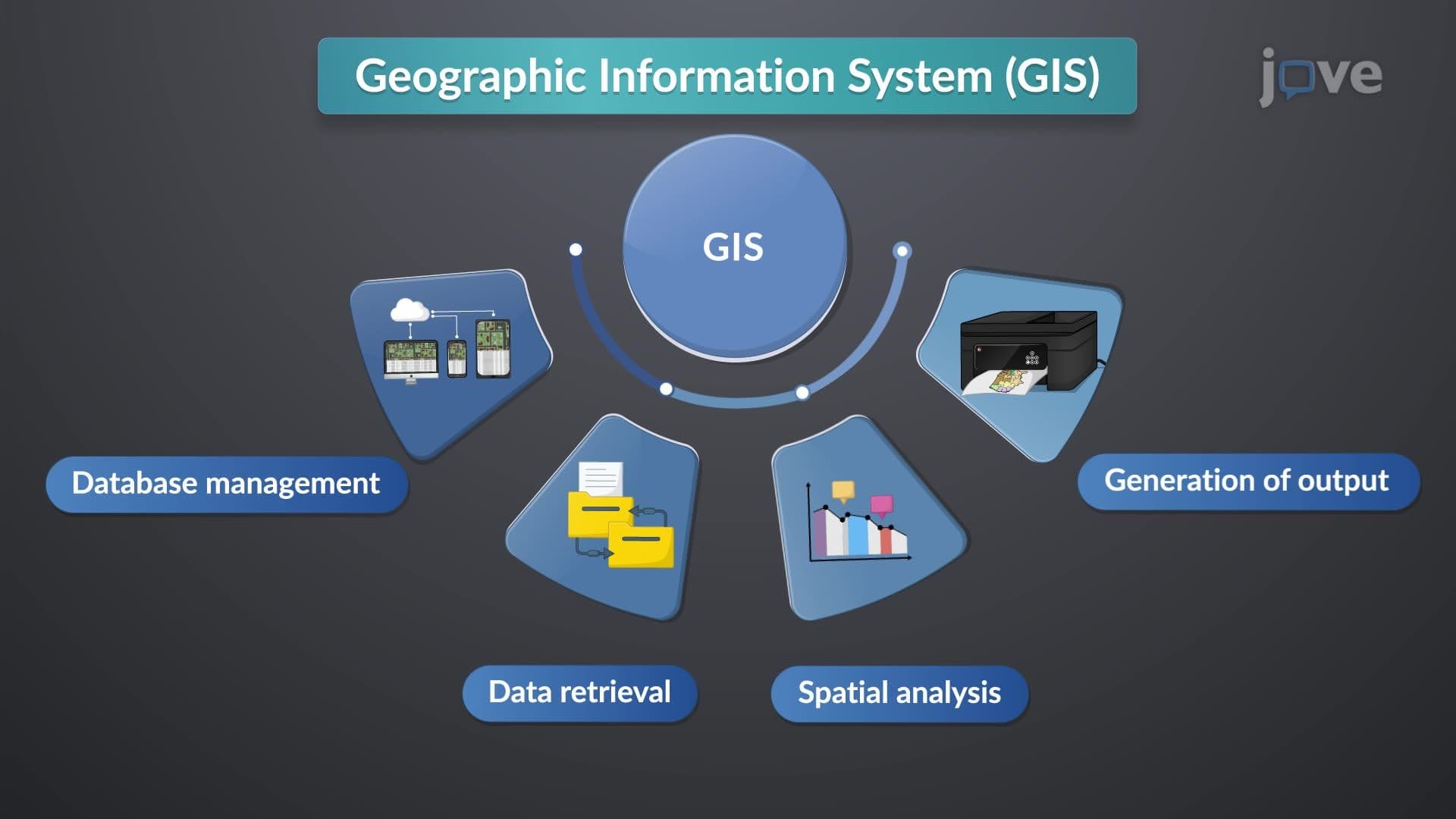
5. GIS Software, Hardware, and Sources of GIS Data
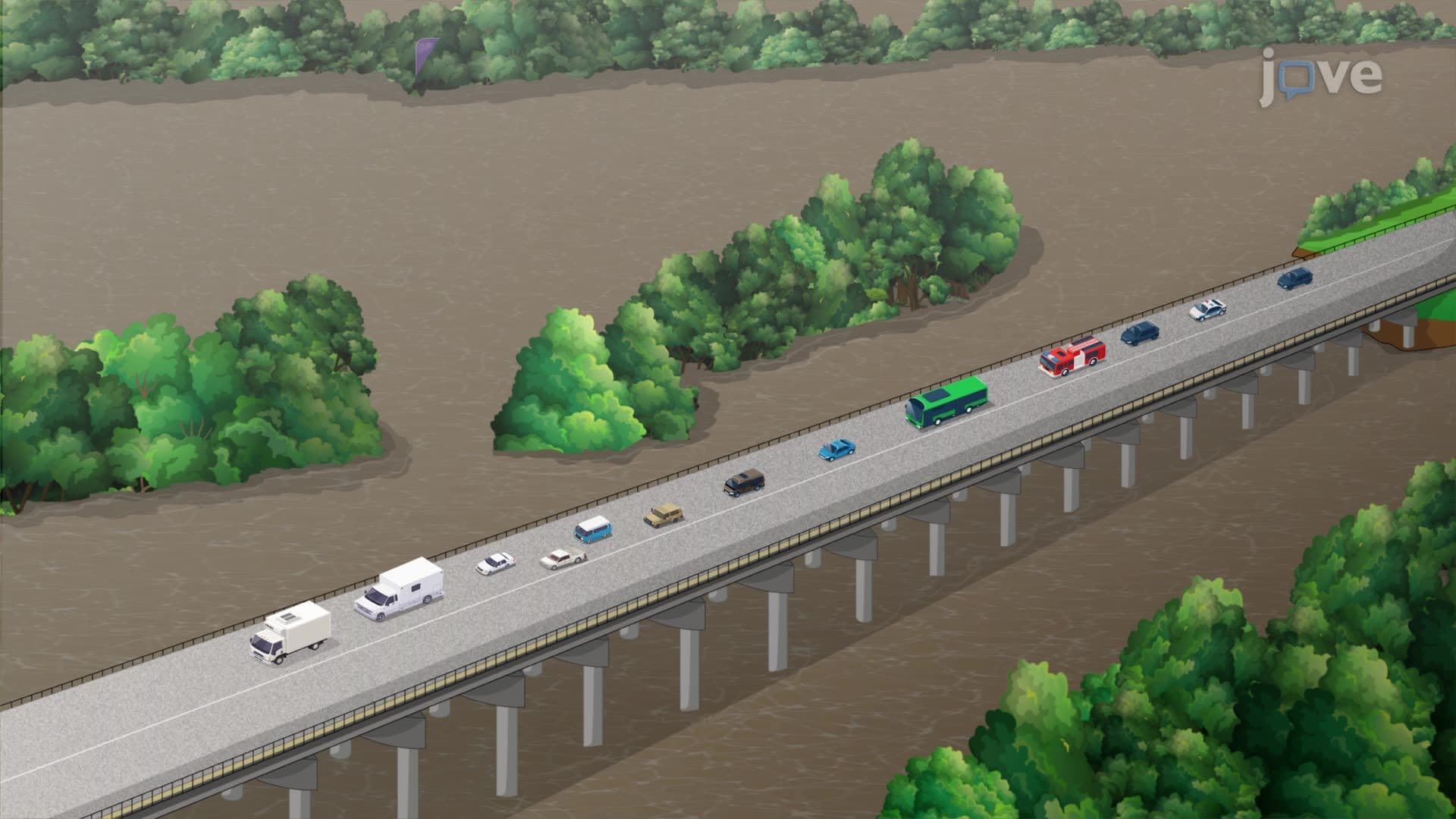
6. Manipulation and Analysis

7. Coordinates and Map Projections
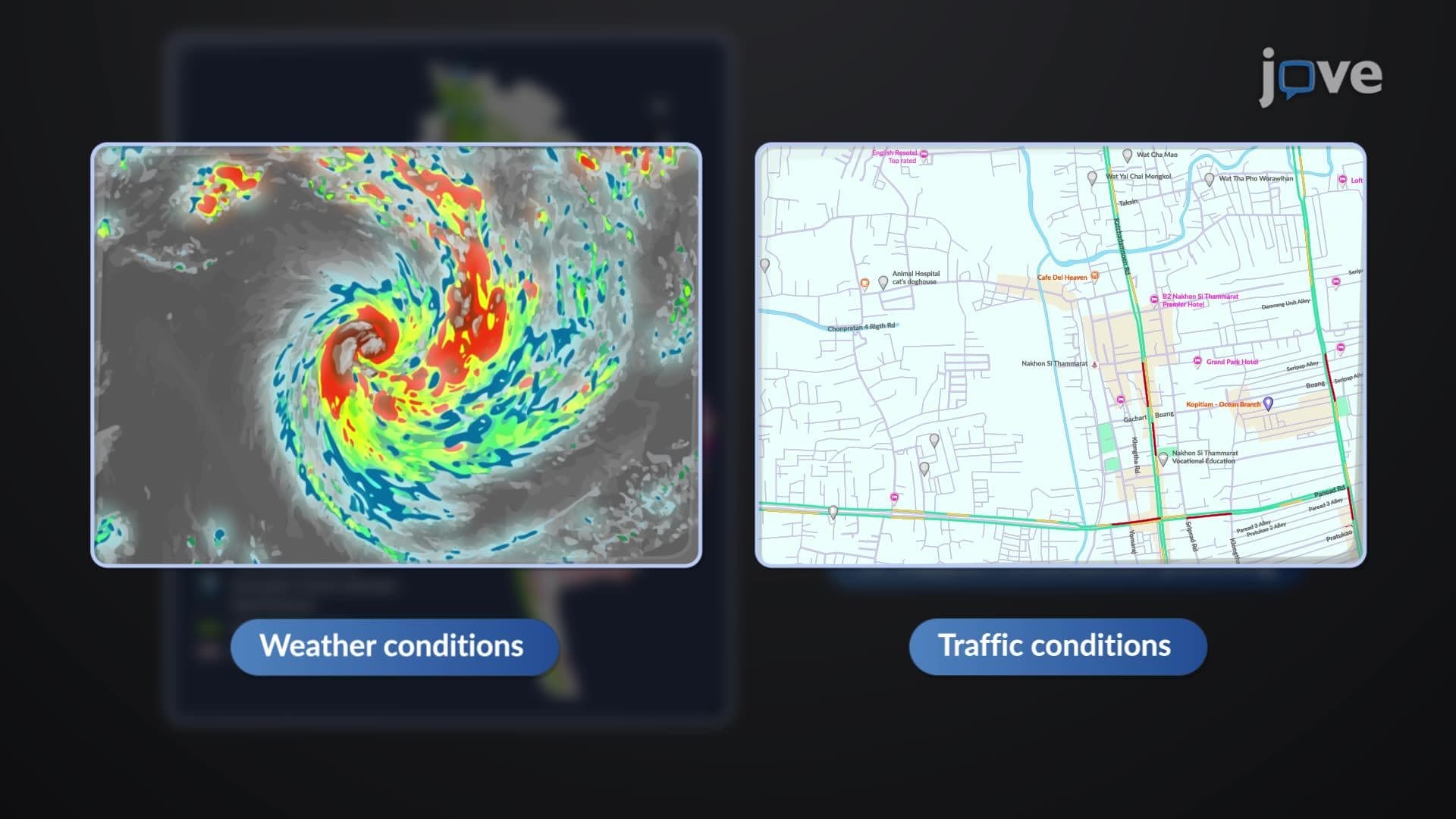
8. Applications of GIS: Disaster Management and Emergency Response
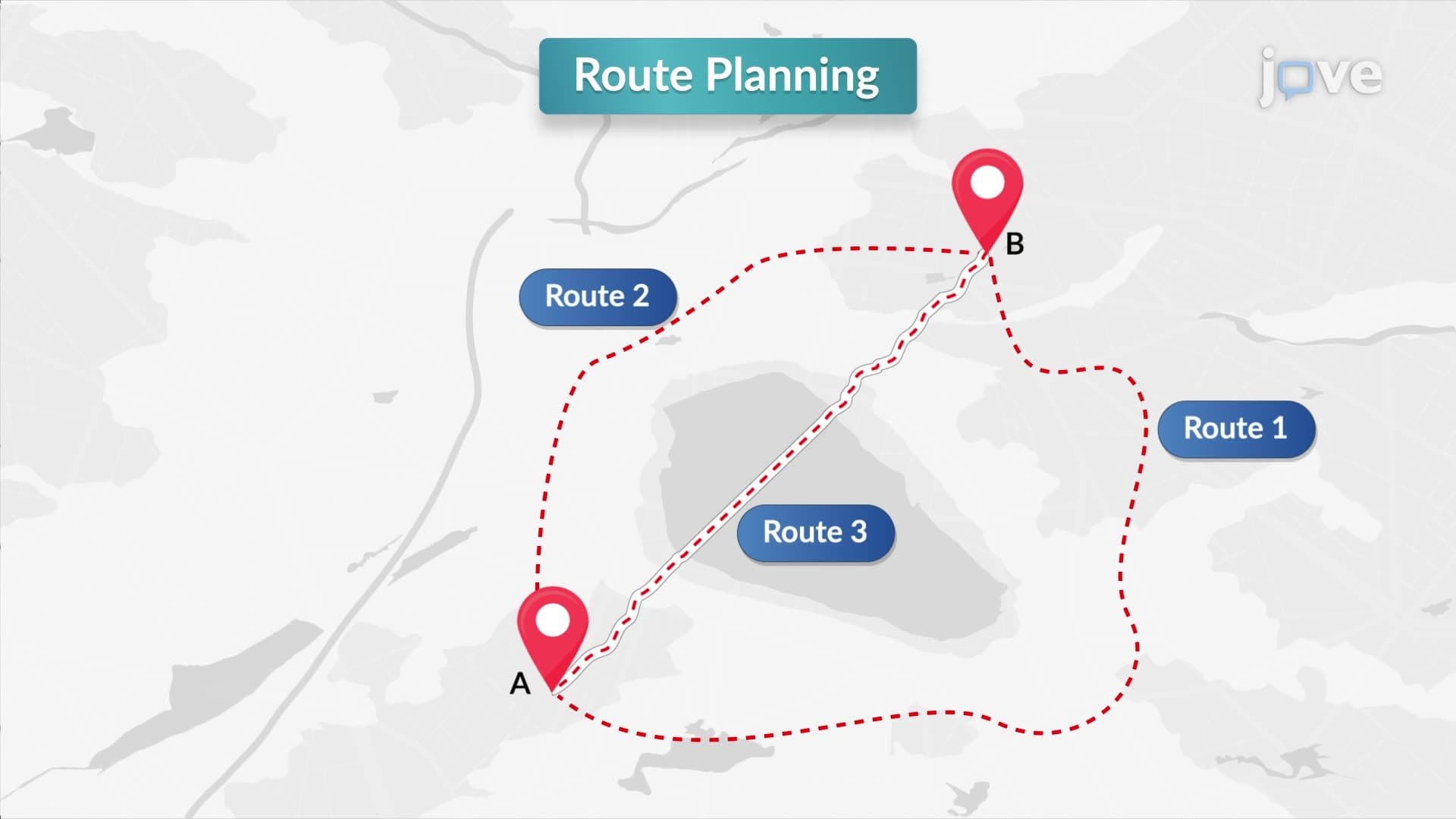
9. Design Example: Alignment of a Road Line Using GIS
Geographic Information Systems (GIS) are computer-based tools that store, analyze, and visualize spatial data to solve real-world problems. From urban planning in cities like Boston to disaster response during California wildfires, GIS mapping software transforms raw geographic data into actionable insights. This comprehensive introduction to geographic information systems covers everything from basic data management to advanced spatial analysis, preparing students to understand how GIS revolutionizes decision-making across multiple disciplines with JoVE Coach.
- Understand the fundamental components and architecture of geographic information systems
- Learn the difference between spatial and attribute data in GIS applications
- Identify raster and vector data models and their appropriate uses
- Explore thematic layering techniques for organizing geographic information
- Analyze spatial relationships using buffering, overlaying, and proximity analysis
- Apply coordinate systems and map projections for accurate spatial representation
- Understand GIS hardware, software, and data sources for system implementation
- Examine real-world applications in disaster management, urban planning, and infrastructure development
- Learn route optimization and site selection methodologies using least-cost path analysis
1. GIS Fundamentals and System Components Geographic Information Systems integrate cartography, database management, and remote sensing technologies to create powerful analytical tools. Modern GIS mapping software like ArcGIS and QGIS provides user-friendly interfaces for managing spatial databases, performing complex queries, and generating professional maps. The system architecture includes data input, storage, analysis, and output components that work together to transform raw geographic information into meaningful visualizations. Understanding these fundamentals is crucial for anyone working with spatial data in fields ranging from real estate development in Texas to environmental monitoring in Yellowstone National Park.
2. Spatial and Attribute Data Management GIS operates with two primary data types: spatial data defining geographic locations using coordinates, and attribute data providing descriptive information about those locations. For example, a hospital location in Chicago would have spatial data (latitude/longitude coordinates) and attribute data (number of beds, specialties, emergency services). Effective data management involves organizing, storing, and retrieving this information efficiently. Students learn how proper data structure enables complex spatial queries, such as finding all hospitals within 10 miles of a highway accident or identifying census tracts with population densities exceeding 1,000 people per square mile.
3. Raster and Vector Data Models GIS layers utilize two fundamental data models for representing geographic features. The raster model divides areas into grid cells, making it ideal for continuous data like temperature maps of the continental United States or elevation models of the Rocky Mountains. The vector model uses points, lines, and polygons to represent discrete features—points for cities like Denver, lines for Interstate highways, and polygons for state boundaries or national parks. Understanding when to apply each model is essential for effective geospatial analysis, as vector data excels in precise measurements while raster data handles complex spatial relationships and continuous phenomena.
4. Thematic Layering and Data Integration Thematic layering revolutionizes how we analyze complex geographic problems by organizing information into distinct, stackable layers. Instead of spending months gathering property records, soil surveys, and zoning maps from different agencies, GIS users can overlay digital layers instantly. For instance, planning a new school in suburban Atlanta involves layering population density, existing schools, transportation networks, and environmental constraints. Each layer maintains its unique attributes while contributing to comprehensive analysis. This approach transforms planning timelines from months to hours while improving decision accuracy through simultaneous visualization of multiple data themes.
5. Spatial Analysis Techniques and Applications Advanced spatial analysis transforms basic mapping into powerful problem-solving tools. Buffering creates zones around features—such as identifying all residences within 500 feet of a proposed highway expansion in Ohio. Overlaying combines multiple layers to assess impacts, like determining which agricultural areas would be affected by a new reservoir in Iowa. Statistical spatial analysis reveals patterns and relationships, helping epidemiologists track disease clusters or retailers identify optimal store locations. The least-cost path method calculates efficient routes considering multiple constraints, essential for emergency vehicle routing during Hurricane evacuations along the Gulf Coast or planning hiking trails in National Forests.
6. Coordinate Systems and Map Projections Accurate spatial representation requires understanding coordinate systems and map projections that translate Earth's curved surface onto flat maps. Latitude and longitude provide global positioning, while specialized systems like State Plane Coordinates offer high precision for local projects. Different projections serve specific purposes: Mercator preserves direction for ocean navigation, while Albers Equal Area accurately represents the contiguous United States for national mapping projects. Universal Transverse Mercator (UTM) zones provide precise local mapping for engineering projects. Choosing appropriate coordinate systems ensures accurate measurements whether surveying property boundaries in Florida or mapping wilderness areas in Alaska, preventing costly errors in construction and planning projects.
Frequently Asked Questions
GIS layers are intelligent data structures that maintain spatial relationships and attributes, unlike simple map overlays. Each layer contains both location information and descriptive data that can be queried, analyzed, and updated dynamically. For example, a roads layer doesn't just show where highways exist—it contains traffic volume, speed limits, surface conditions, and maintenance history that can be used for complex analysis like optimal snow plow routing during Minnesota winters.
AP Human Geography exams frequently include questions about GIS applications in urban planning, population analysis, and spatial patterns. Students might analyze choropleth maps showing population density, interpret satellite imagery of urban sprawl, or explain how GIS helps track migration patterns. The exam emphasizes understanding how GIS technology impacts geographic research methods and supports evidence-based decision-making in real-world scenarios like redistricting or resource allocation.
The MCAT's Psychological, Social, and Biological Foundations section includes data interpretation questions that may involve spatial analysis, epidemiological mapping, and population health studies. Students should understand how GIS supports public health research, such as mapping disease outbreaks, analyzing environmental health factors, and studying healthcare accessibility. Questions might involve interpreting spatial data visualizations or understanding how geographic factors influence health outcomes in different communities.
Modern GIS mapping software like ArcGIS Online and QGIS feature intuitive point-and-click interfaces that don't require programming knowledge for basic operations. However, learning scripting languages like Python can significantly enhance analytical capabilities and automate repetitive tasks. Many undergraduate programs introduce GIS concepts through user-friendly web applications before advancing to more complex desktop software, making the technology accessible to students from diverse academic backgrounds.
GIS influences daily life more than most people realize. When you use GPS navigation, the system applies shortest-path algorithms and real-time traffic analysis. Emergency services use GIS to dispatch ambulances efficiently, while your smartphone's weather app displays data from spatial weather models. Real estate websites use GIS to show property values, school districts, and neighborhood demographics. Even food delivery apps optimize routes using spatial analysis techniques, demonstrating how GIS technology has become integral to modern urban life and digital services.
GIS analysis requires understanding spatial relationships, data quality issues, and appropriate analytical methods for different problems. Unlike static map reading, GIS involves dynamic data integration, statistical analysis, and model validation. Students must learn to evaluate data accuracy, choose appropriate projections, and interpret results within broader contexts. The challenge lies not just in using the software, but in asking the right spatial questions and understanding the limitations and assumptions underlying different analytical approaches.
Effective GIS learning combines theoretical understanding with hands-on practice using real datasets. Start with local examples—analyze your county's demographic data or map your school district's transportation routes. Use free resources like USGS data and NASA satellite imagery to practice different analytical techniques. Focus on understanding when to apply specific methods rather than memorizing software commands. Create your own projects that interest you, such as mapping hiking trails, analyzing local business patterns, or studying environmental changes in your region, to reinforce both technical skills and conceptual understanding.
This microcourse includes 9 concept videos that walk you through the building blocks of Civil Engineering. Each video is short, about 1 minute, so you can cover a full topic during a coffee break or between classes. The full sequence starts with Introduction to GIS and ends with Design Example: Alignment of a Road Line Using GIS.
The playlist moves from big-picture ideas to the precise vocabulary used in Civil Engineering. Early videos introduce Introduction to GIS, Thematic Layering in GIS, and Levels of Use of a GIS. The middle of the series focuses on GIS Software, Hardware, and Sources of GIS Data, Manipulation and Analysis, and Coordinates and Map Projections. The final stretch covers Applications of GIS: Disaster Management and Emergency Response and Design Example: Alignment of a Road Line Using GIS.
Related Subjects
 Electrical Engineering 33 micro-courses›Mechanical Engineering 28 micro-courses›